47
PDF READER BUTTON CONTROLS
FOLLOWING HYPERLINKS
Some PDF documents have hyperlinks (for instance, a table
of contents, links to an external website, etc.).
Links are surrounded by a blue outline, a highlighted link
(active link) is surrounded by a red outline.
To follow a link, highlight the link (red outline) using /
and press OK.
If you want to go back to the previous page (where you
‘clicked’ the link), select the
Link back
menu item.
Note that hyperlinks referring to an external document or to a
URL may not work.
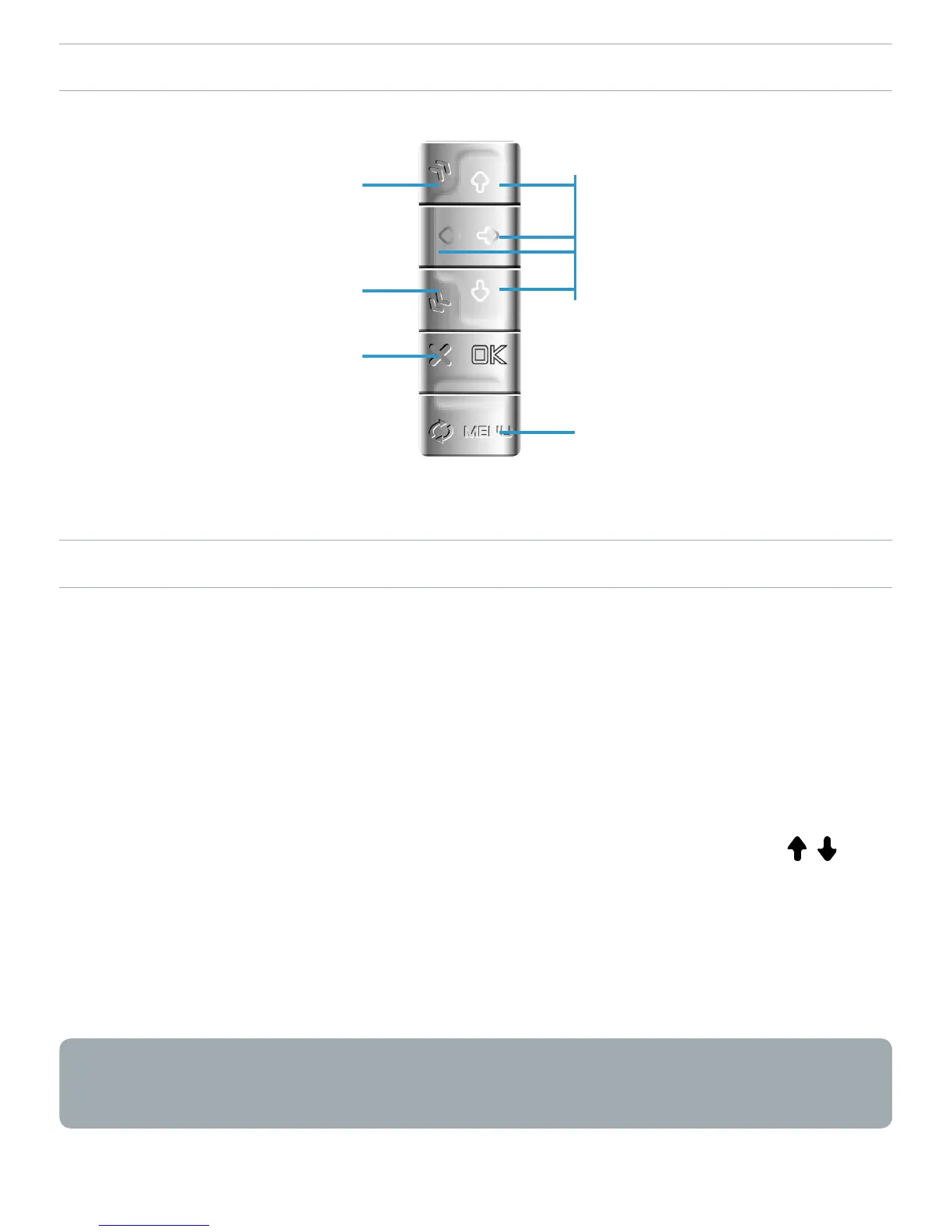
•
•
•
•
navigate within
current page
display the available
menu
next page
previous page
1
st
press:
t to width (if zoomed)
2
nd
press:
exit PDF reader



 To Next Page