18
2. PlayIng MusIC
In the Home Screen, highlight the Music icon and
press OK to enter the music mode.
2.1 The arClIbrary and The MusIC brOwser
There are two types of views for you to browse through your
songs:
the ARCLibrary
the Music Browser
When browsing through your music, only music les are
shown.
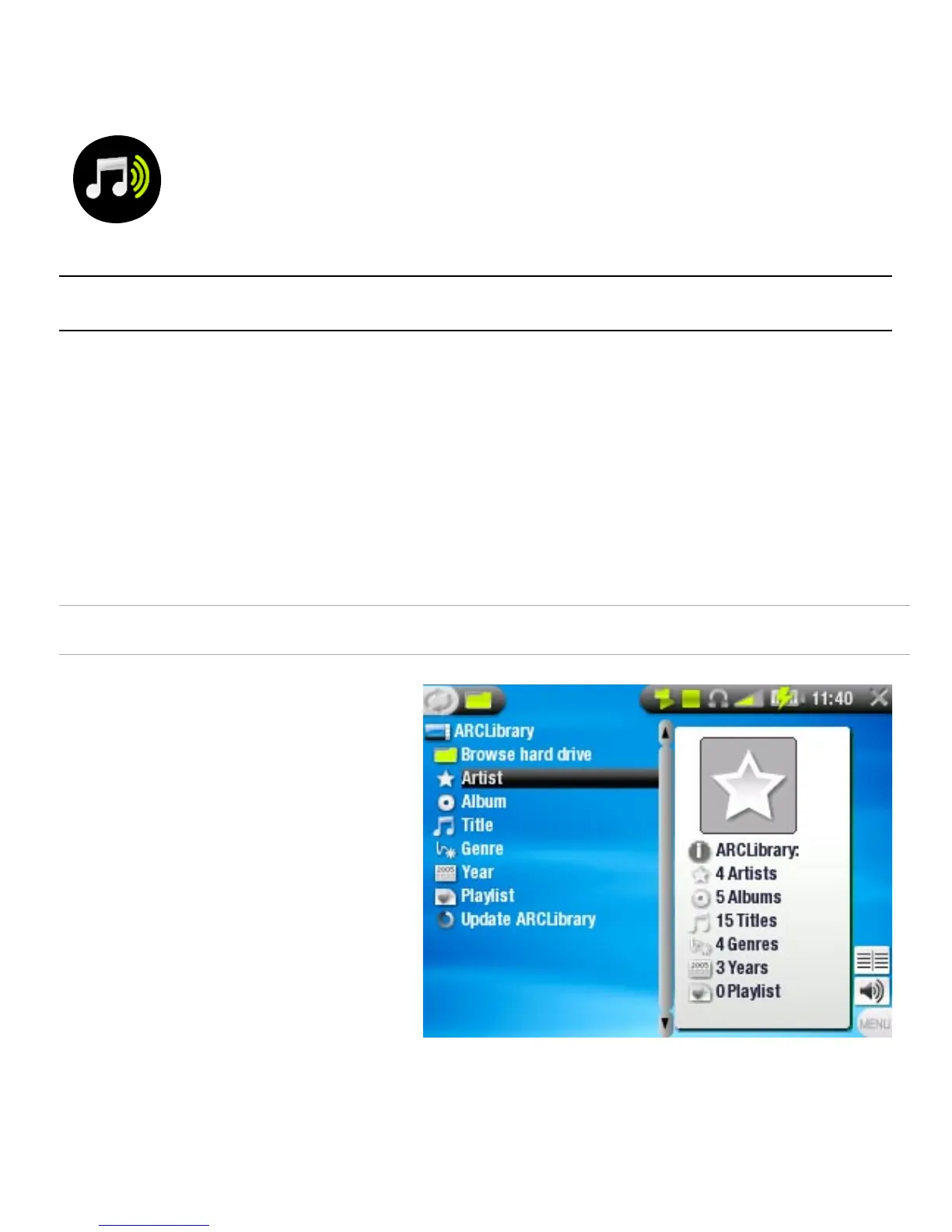
THE ARCLIBRARY
the ArcLibrary (default
view) shows your music
sorted in categories
(Artist, Album, Title,
Genre, etc.) if your
music les contain
these tags.
When new music is
added to the Music
folder of the ARCHOS
™
,
the ARCLibrary will
need to be updated. By default, this is done automatically,
but you can choose to do it manually via the ‘Update
ARCLibrary’ option in the ARCLibrary (also see:
System
Settings
).
•
-
-
•
•
•



 To Next Page