62
7.8 uPdaTIng The fIrMware
The rmware is the operating system (OS) of your ARCHOS
™
device.
It is periodically updated to bring new features,
improvements and bug xes.
Firmware Updates are available for free from
www.archos.com/rmware.
TO CHECK WHETHER YOU HAVE THE LATEST FIRMWARE VERSION:
From the Home Screen, press to go to the Setup screen.
Highlight System and press OK.
The rmware version number is
displayed on this screen.
Compare it with the latest rmware version on
www.archos.com/rmware.
TO INSTALL THE LATEST FIRMWARE:
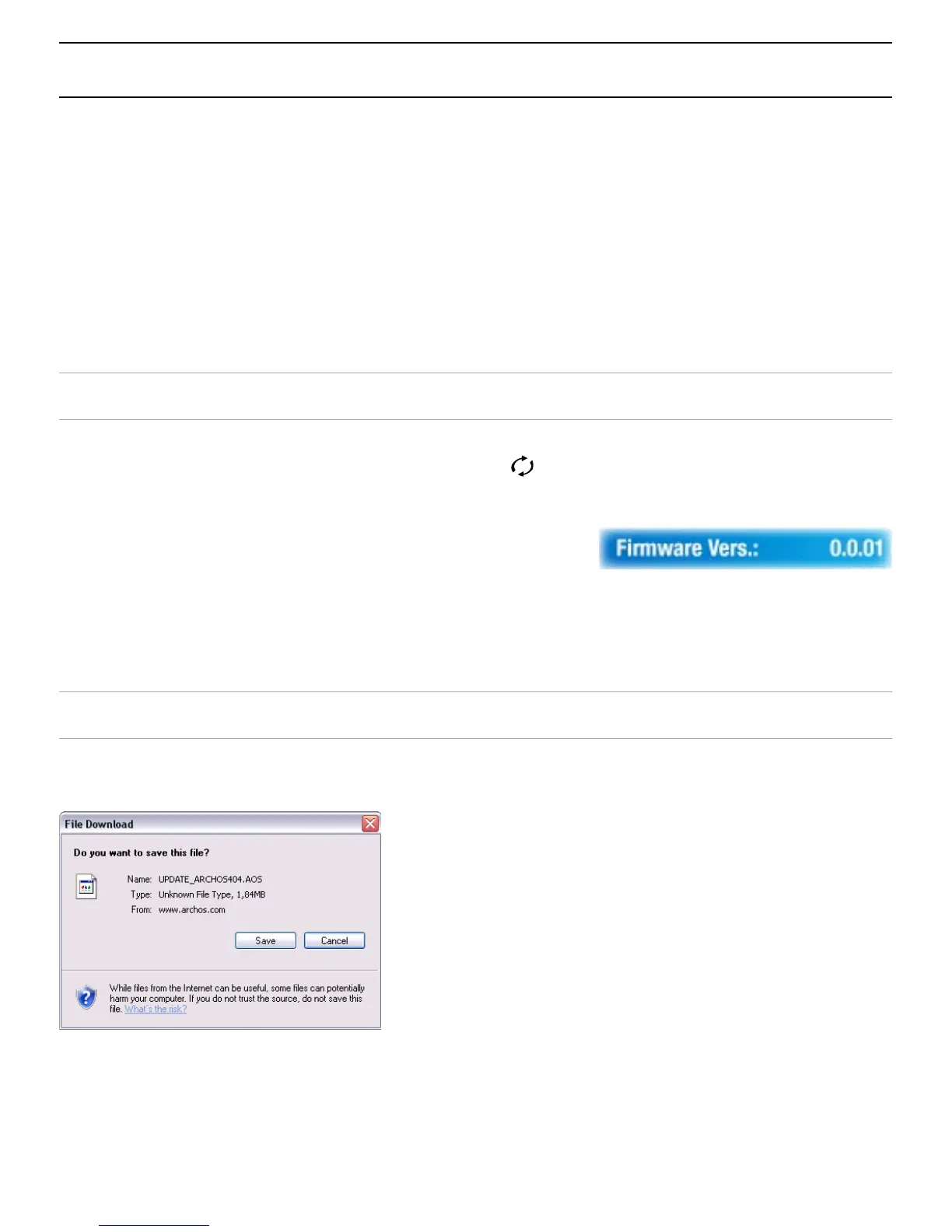
1. Download the AOS File (Archos Operating System)
On the downloads page for your
product on www.archos.com,
click on the link to download the
rmware update (Archos
™
rmware
les have the .AOS extension).
Your Internet browser may warn
you that the contents of this le
may harm your computer. Archos
™
rmware les are safe: click on
Save
and choose a save location
that you will remember (your
desktop or
My Documents
).
•
•
•
1.
2.
3.
4.
•
•



 To Next Page