32
Set Title
allows you to give a personalized title to the recording
(See:
Using the Virtual Keyboard
).
Format
you can choose between PCM (uncompressed) and
ADPCM (compressed) WAV format.
Source
choose between
microphone
or
analog line-in
(only with
the optional
DVR Station
or
DVR Travel Adapter
).
Sampling
choose the sample rate for your recording (a higher rate
gives higher sound quality but a larger le).
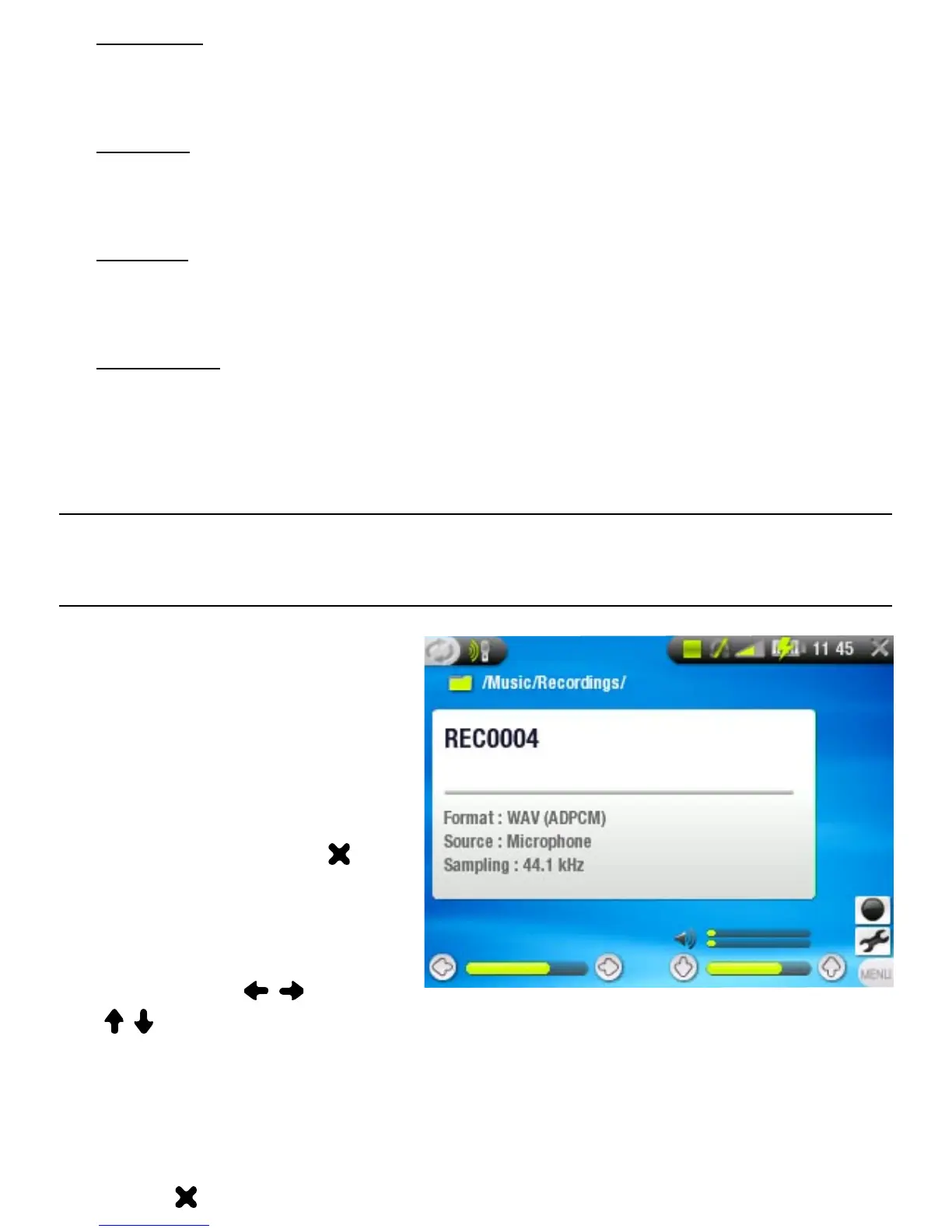
3.2 buIlT-In MICrOPhOne reCOrdIng
PrOCedure
Highlight the
Settings
menu item and press
OK to enter the
AudioCorder
settings
screen.
Select
Microphone
as
the source. Press
to go back to the pre-
recording screen.
Adjust the recording
level using /
( / only adjust the headphones’ volume, not the recording
volume).
Press OK or choose the
Start recording
menu item to start
recording.
You can pause and resume your recording by pressing OK.
Press to stop recording.
•
-
•
-
•
-
•
-
1.
2.
3.
4.
5.
6.



 To Next Page