45
5.2 usIng The VIrTual KeybOard
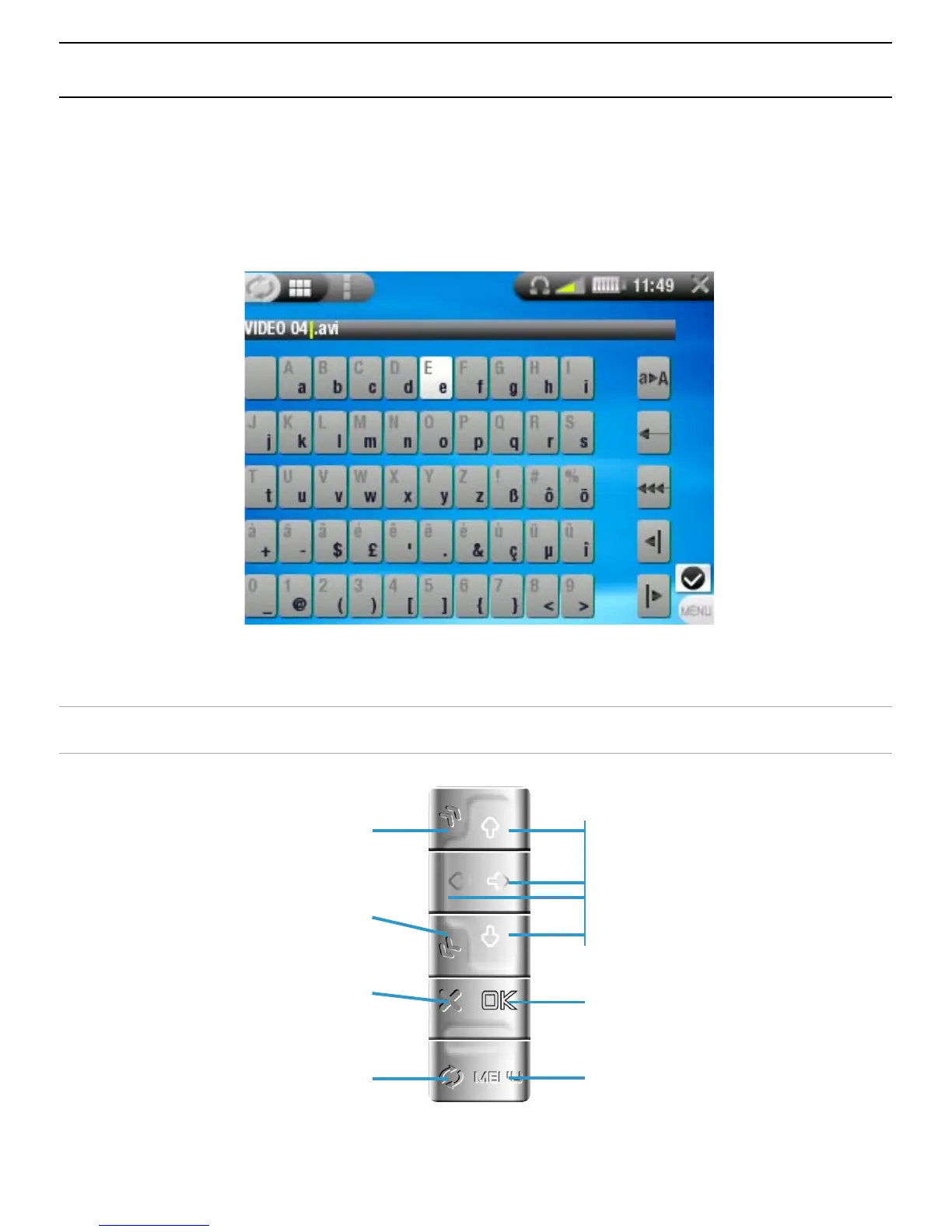
The virtual keyboard is an interface that allows you to type in
text, for instance to rename a le or folder, or when you want
to give a title to a playlist that you have just created.
VIRTUAL KEYBOARD BUTTON CONTROLS
navigate the virtual
keyboard
enters the highlighted
character
display the menu to
validate the current
name
place cursor at
end of le name
place cursor at
beginning of le name
close keyboard
without saving
jump from
the character keys
to the keyboard
functions on the right



 To Next Page