6
CONNECTORS
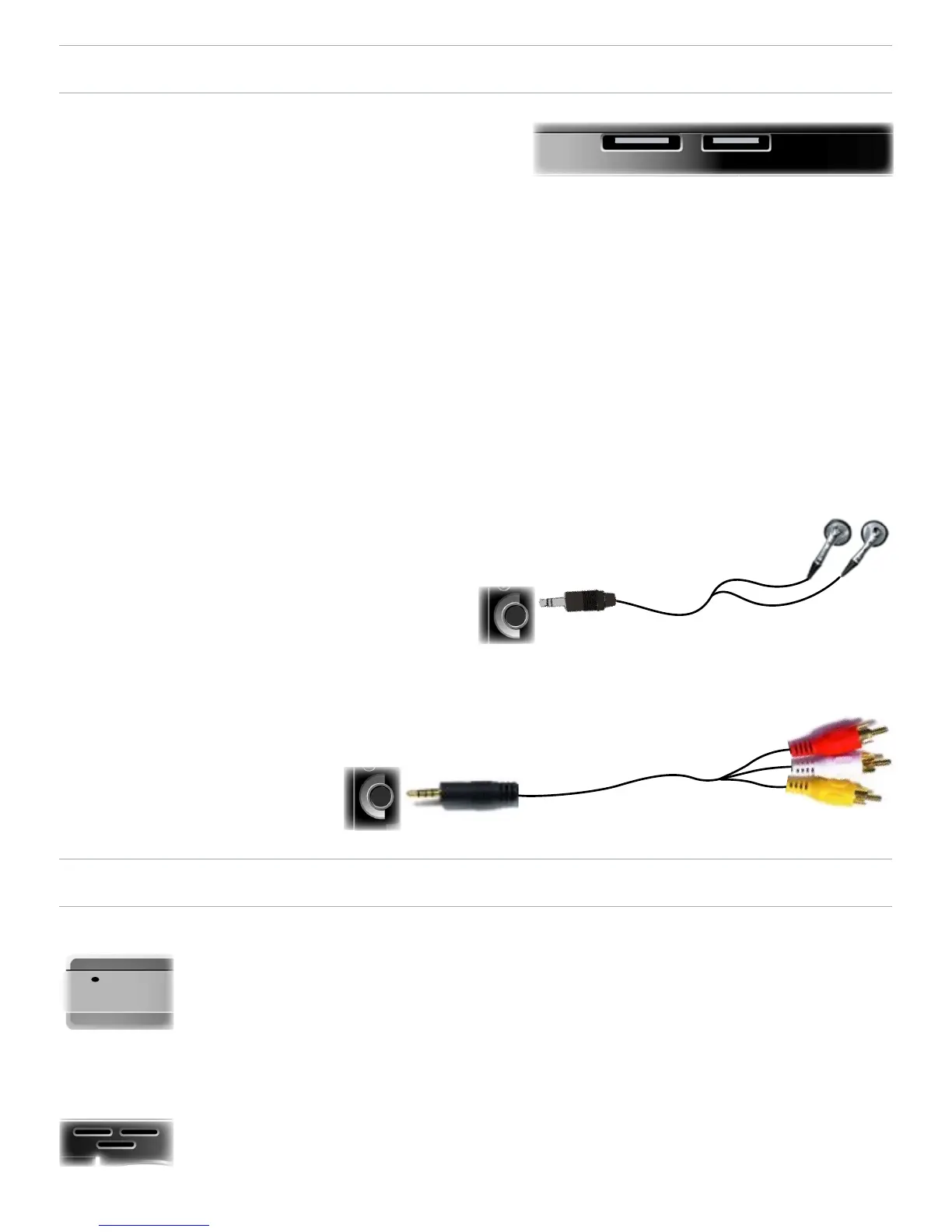
Underneath the Device: the Docking Connectors
Connect your ARCHOS
™
device to your computer.
Charge the battery of your ARCHOS
™
via USB.
Connect a compatible external device to your ARCHOS
™
with
the optional Docking Adapter.
Record external video via the optional DVR Station.
On the Left Side: AV Out Jack
Audio: plug in the supplied headphones.
Video: plug in an Archos
™
AV cable to connect to
your TV, hi-, etc.
BUILT-IN MICROPHONE AND LOUDSPEAKER
The built-in microphone is situated underneath the
device.
See:
Using the AudioCorder
.
The built-in loudspeaker is on the top, above the
buttons.
•
•
•
•



 To Next Page