53
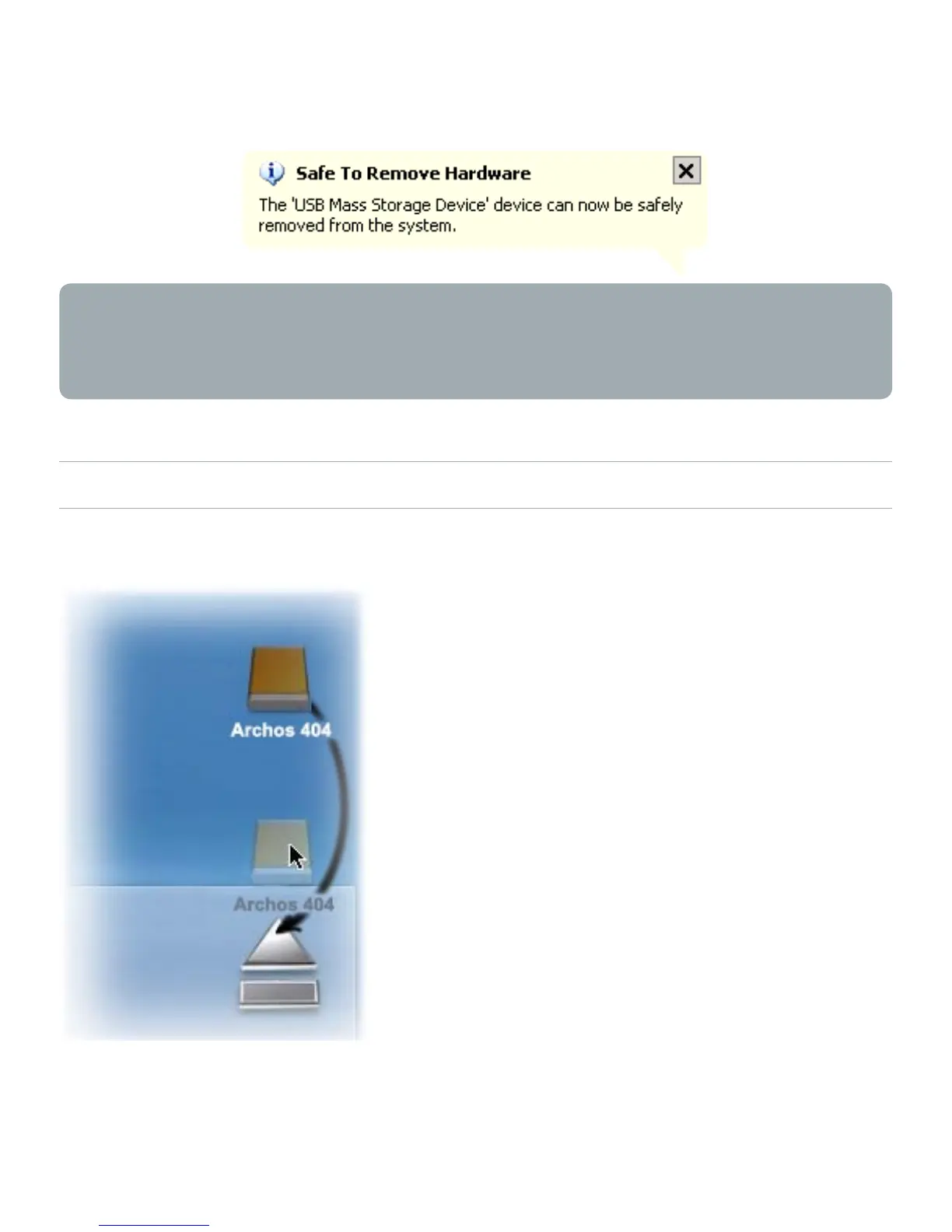
A message will pop up, telling you that it is now safe to
disconnect the device*. You can now safely unplug the USB
cable from your ARCHOS
™
device and/or computer.
* If you get a message saying that the device cannot be removed,
close any computer program that may still be using data on
your device, such as media players or Windows
®
Explorer.
MAC
®
OS X (PC HARD DRIVE MODE ONLY)
DO NOT SIMPLY PULL OUT THE CABLE AT ANY TIME!
You must remove/unmount the
ARCHOS
™
from the computer before
disconnecting the USB cable to
avoid loss of data or freezing.
On your desktop, drag the ARCHOS
™
device’s icon towards the trashcan,
which will turn into a big eject
symbol.
Drop the icon onto this eject symbol:
the ARCHOS
™
hard drive will
disappear from the desktop.
You can now safely unplug the USB
cable from your ARCHOS
™
device
and/or computer.
•
•
•
•



 To Next Page