14
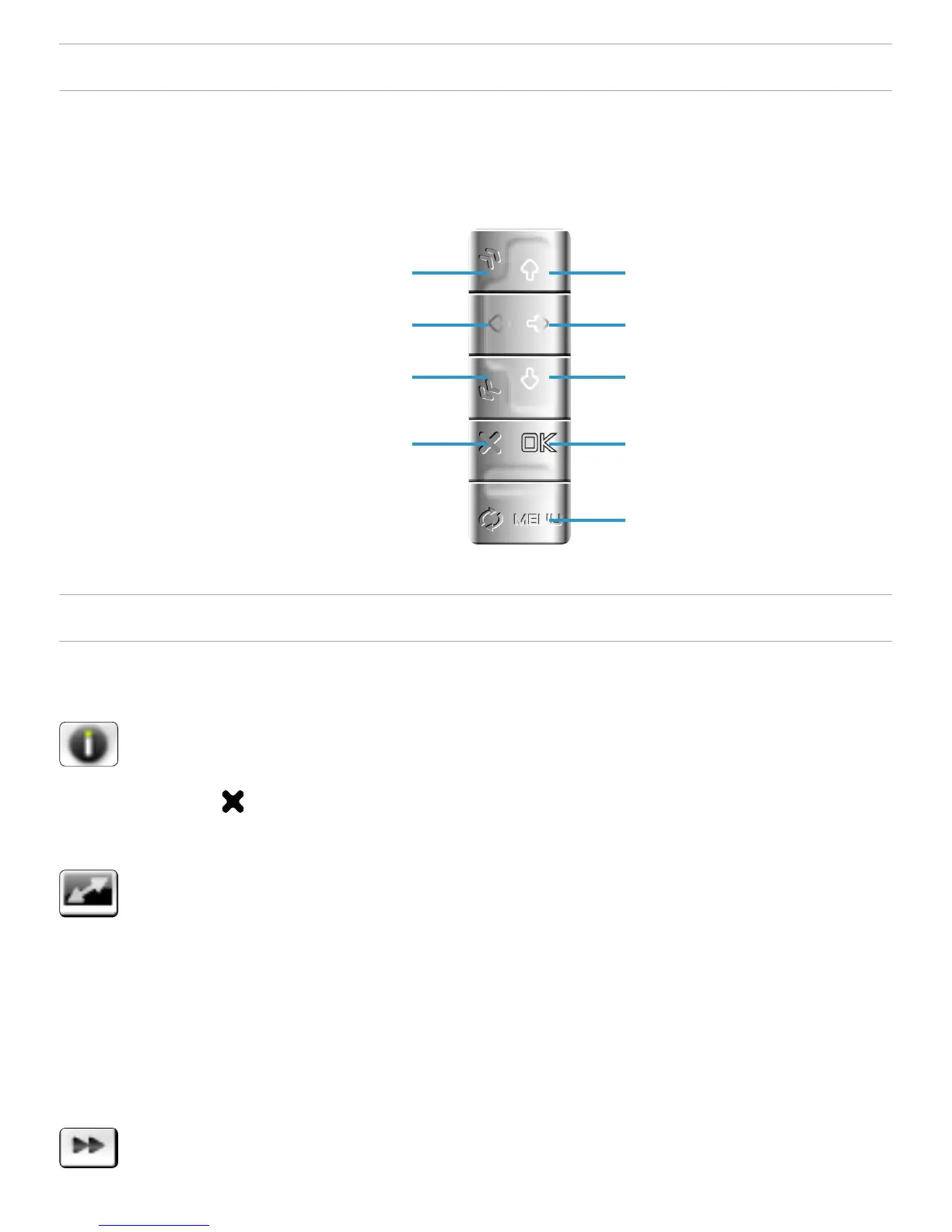
VIDEO PLAYBACK BUTTON CONTROLS
During video playback, the buttons of your ARCHOS
™
device
will act as follows:
VIDEO PLAYBACK MENU ITEMS
Info
displays a message box with all the available
information about the current video le.
Press to close the info screen.
Format
allows to change the way the image is displayed.
Auto: adjusts the video size to best adapt to the built-in
screen or TV.
Full Screen: displays the entire picture on the screen.
Maximized: enlarges the picture to ll the screen.
Original: displays the picture in its original format.
Speed
will play the current video in slow motion or high speed
-
-
-
-
-
-
-
-
increase volume
fast forward
decrease volume
pause/play
display the menu
accelerated fast forward
fast rewind
accelerated fast rewind
stop



 To Next Page