66
Settings
will open the videocorder settings screen (see next
section).
Once you have nished adjusting your settings, press
to go back to the pre-recording screen.
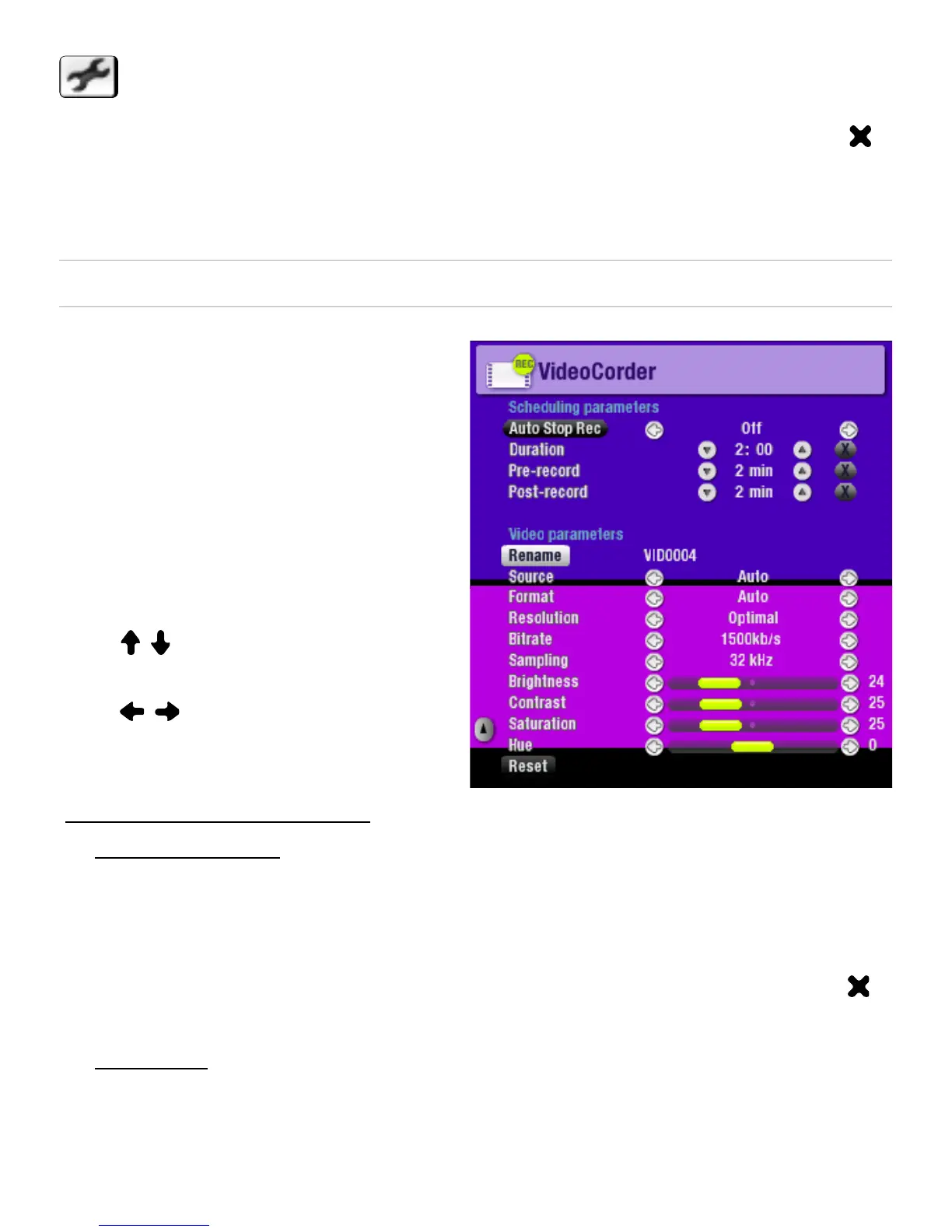
VIDEOCORDER SETTINGS
This screen allows you to
adjust the video recording
parameters to your personal
taste.
You can access the
VideoCorder Settings screen
via the
Settings
menu item in
the pre-recording screen.
Use / to highlight a
different parameter, then
use / to select a different
setting.
Scheduling Parameters
Auto Stop Rec
Options: ON/OFF.
If set to ON, the ARCHOS
™
device will stop recording after
the duration set in the Duration parameter.
If set to OFF, the recording will continue until you press
or until the entire hard drive lls up.
Duration
The duration of time your recording will last if Auto Stop
Rec is set to ON.
-
-
•
-
-
-
•
-



 To Next Page