8
Tabs
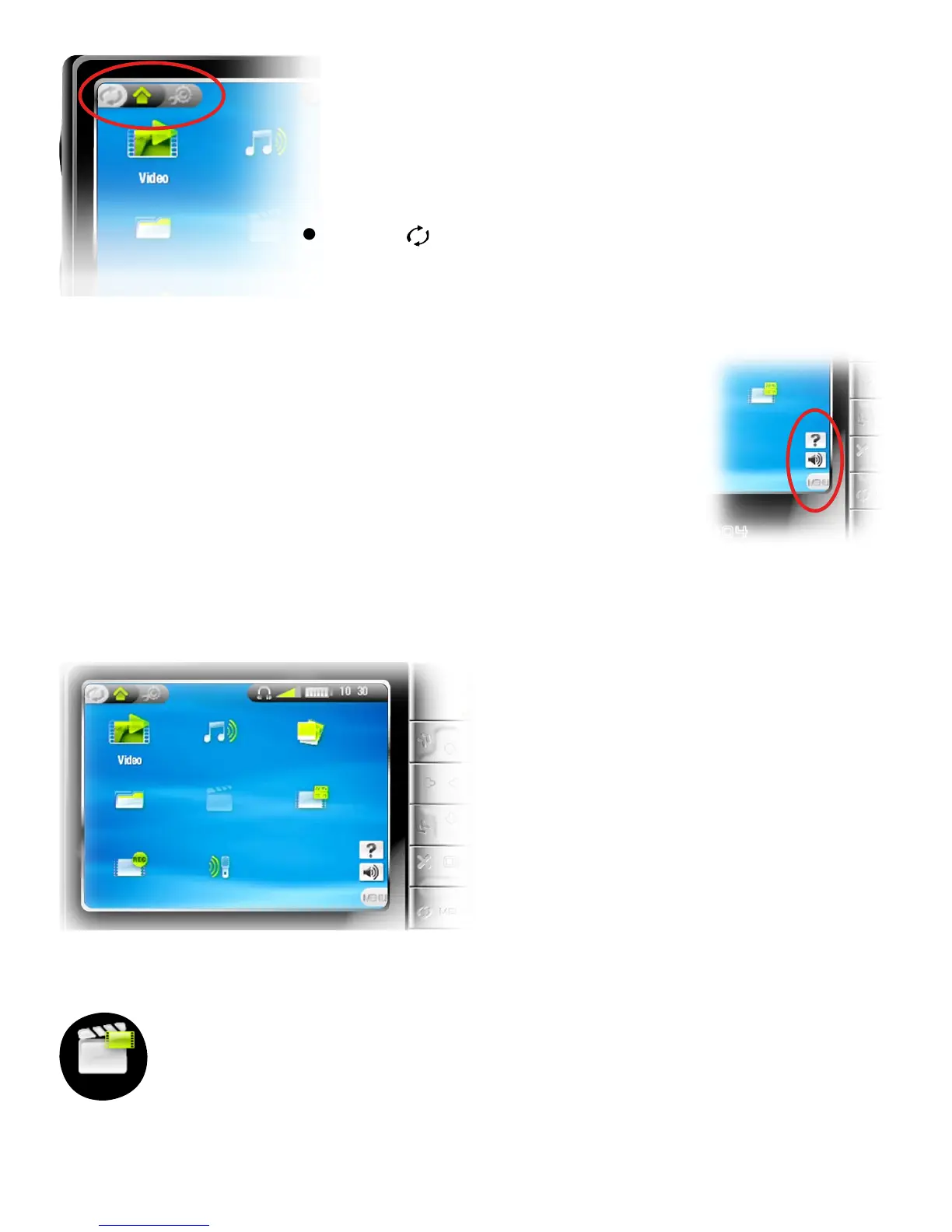
In the top left corner of the screen,
the tabs area shows other available
applications and screens (settings, home
screen, etc.). They vary, depending on
where you are in the interface.
Press to switch between these different
screens.
Menu
In the lower right corner of the screen, the
menu area shows the menu icons.
Press Menu to display the available menu
items.
This is a contextual menu: the available
options will vary, depending on where you
are in the interface.
Home Screen
This is the main screen
of your ARCHOS
™
device,
showing its main functions.
Select an icon with the
navigation pad and press OK
to use the particular function.
The Resume Icon
Sometimes the Resume icon is highlighted in the Home
Screen when you turn on the ARCHOS
™
. This means that
you can resume the last-played music or video le, if it
was interrupted before the end.
If the Resume icon is grayed out, it means that no music
or video le playback can be resumed.
•
•
•
•
•
•
•
•
•



 To Next Page