6 Local Control Panel
(continued)
6-12 C232-302-401/402/403/404-603 / C232/EN M/A23
Control Step / Description Control
Action
Display
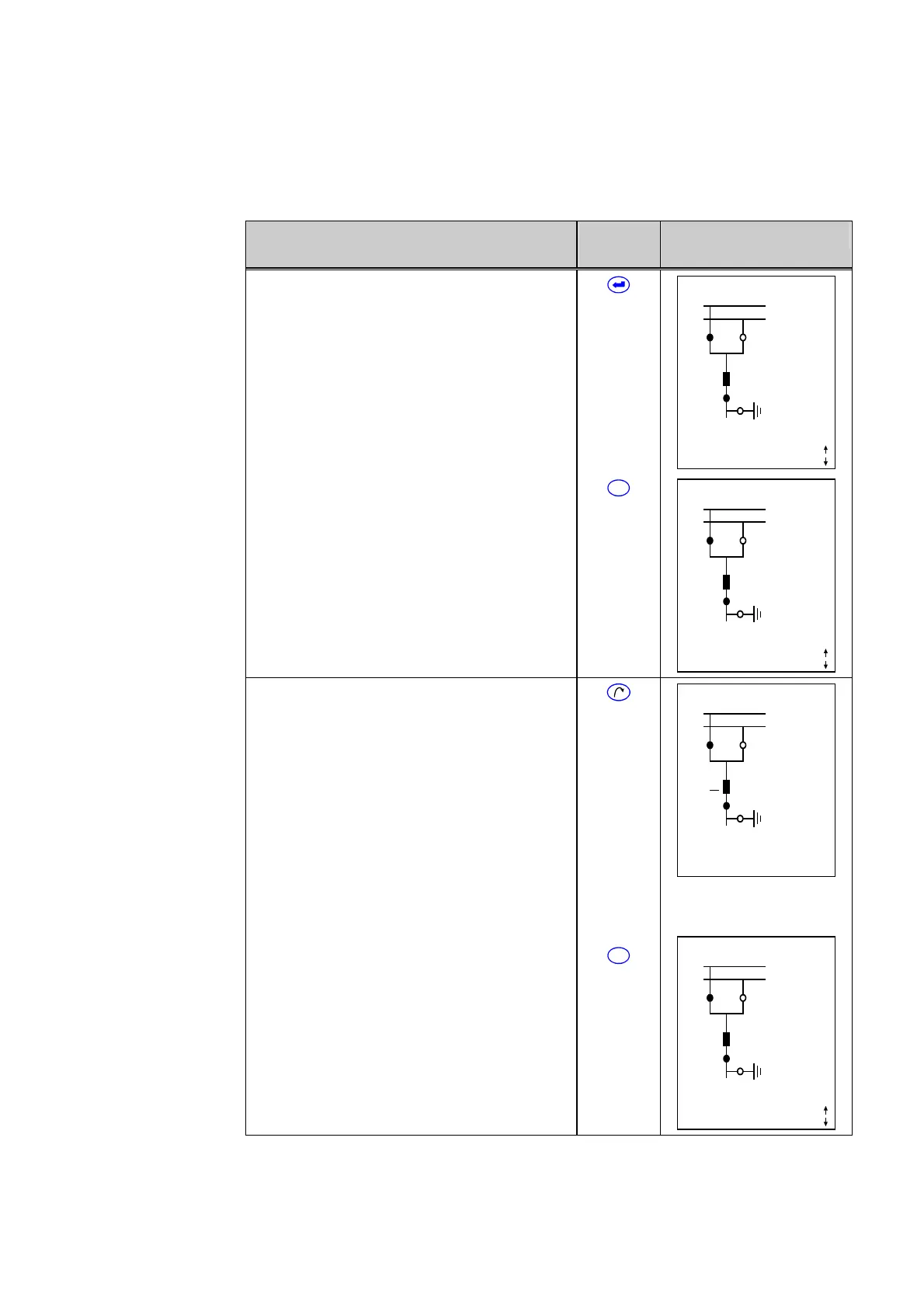
Now press the enter key.
If the correct password has been entered, the
Bay Panel will re-appear. The third line from
the bottom will display ‘Local’.
If an invalid password has been entered, the
display shown above in Step 1 will appear.
X YYY 10:33:25
SS1
SS2
Q1 Q2
Q0
Q8
Locked
Local
Q9
1088 A
Curr. IP,max prim.
2b This control step can be canceled at any
time by pressing the reset key before the enter
key is pressed.
C
X YYY 10:33:22
SS1
SS2
Q1 Q2
Q0
Q8
Locked
Remote
Q9
1088 A
Curr. IP,max prim.
3a Press the selection key to select a
switchgear unit. Only switchgear units that are
electrically controllable can be selected. The
device designation for the selected switchgear
unit –‘Q0’, for example – is displayed in
flashing characters (underlined in the example
to the right) and also appears in the bottom line
of the display. If the display of external device
designations has been disabled, the selected
switchgear unit will be marked by a flashing
asterisk (*). The designation of the selected
external device appears in the bottom line of
the display.
X YYY 10:33:28
SS1
SS2
Q1 Q2
Q0
Q8
Locked
Local
Q9
Q0
1088 A
3b If you wish to cancel the selection of a
switchgear unit, press the reset key. Press the
selection key to select a new switchgear unit.
C
X YYY 10:33:28
SS1
SS2
Q1 Q2
Q0
Q8
Locked
Local
Q9
1088 A
Curr. IP,max prim.



 To Next Page