6 Local Control Panel
(continued)
C232-302-401/402/403/404-603 / C232/EN M/A23 6-11
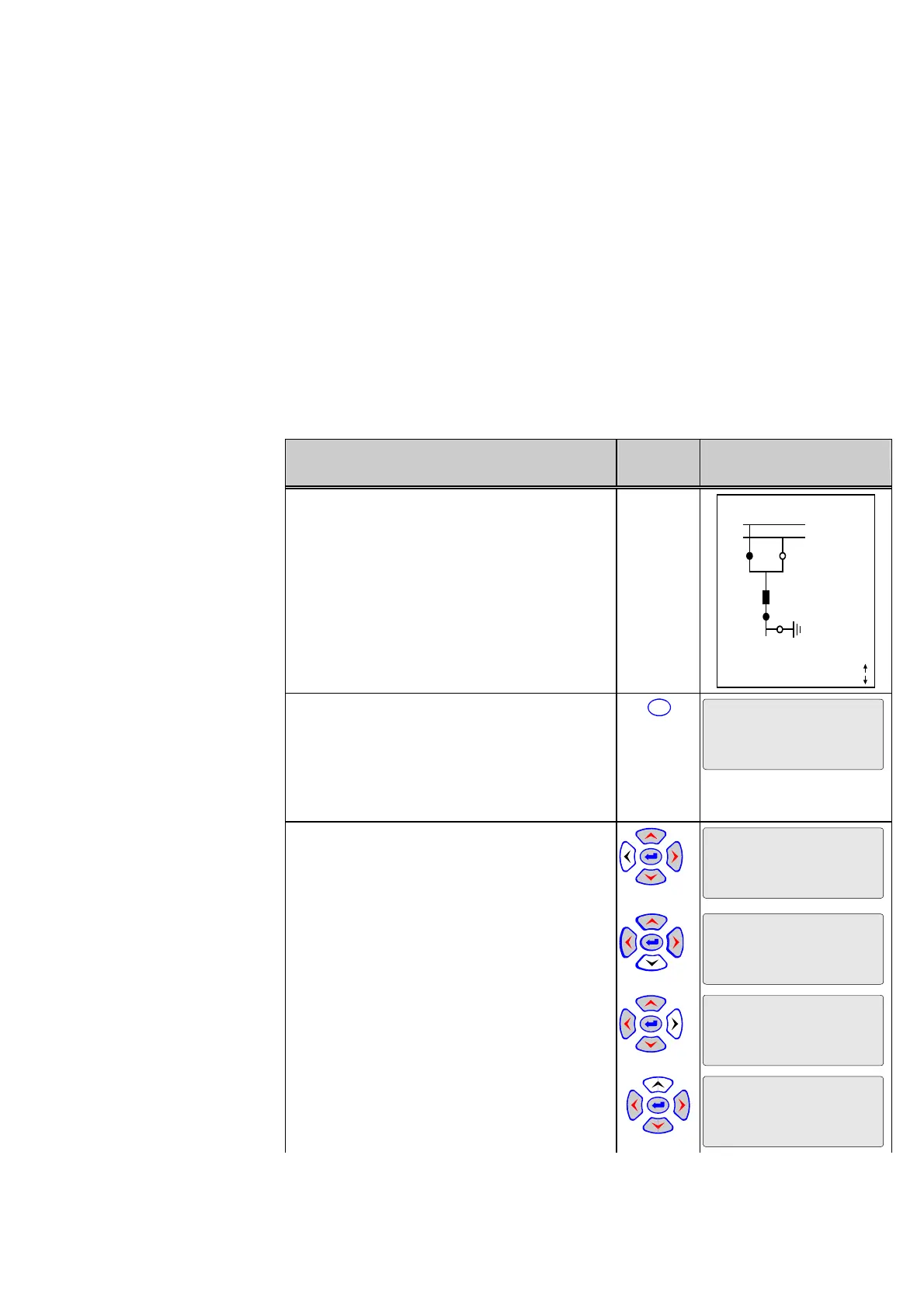
Controlling switchgear
units
Switchgear units can be controlled from the local control panel, provided that the unit has
been set for ‘local control’. If the local/remote key is set to switch between remote and
local control (R↔L), then the switch from ‘remote’ to ‘local’ operation requires a
password.
The following example is based on the (R↔L) setting for the local/remote key and the
factory-set L/R password. If the password has been changed by the user (see the
section entitled ‘Changing the Password’), the following description will apply
analogously.
Control Step / Description Control
Action
Display
0 Select the Bay Panel.
X YYY 10:33:22
SS1
SS2
Q1 Q2
Q0
Q8
Locked
Remote
Q9
1088 A
Curr. IP,max prim.
1 Press the ‘local/remote’ key (L/R) to switch
the unit to local operation. The Bay Panel is no
longer displayed. The unit type appears in the
first line. Eight asterisks (*) appear in the
fourth line as a prompt for entering the
password.
L/R
X YYY 10:33:25
********
2a Press the following keys in sequence:
‘Left’
X YYY 10:33:27
*
‘Down’
X YYY 10:33:29
*
‘Right’
X YYY 10:33:31
*
‘Up’
The display will change as shown in the
column on the right.
X YYY 10:33:33
*



 To Next Page