6 Local Control Panel
(continued)
6-10 C232-302-401/402/403/404-603 / C232/EN M/A23
Control Step / Description Control
Action
Display
Measured value display in the
Bay Panel
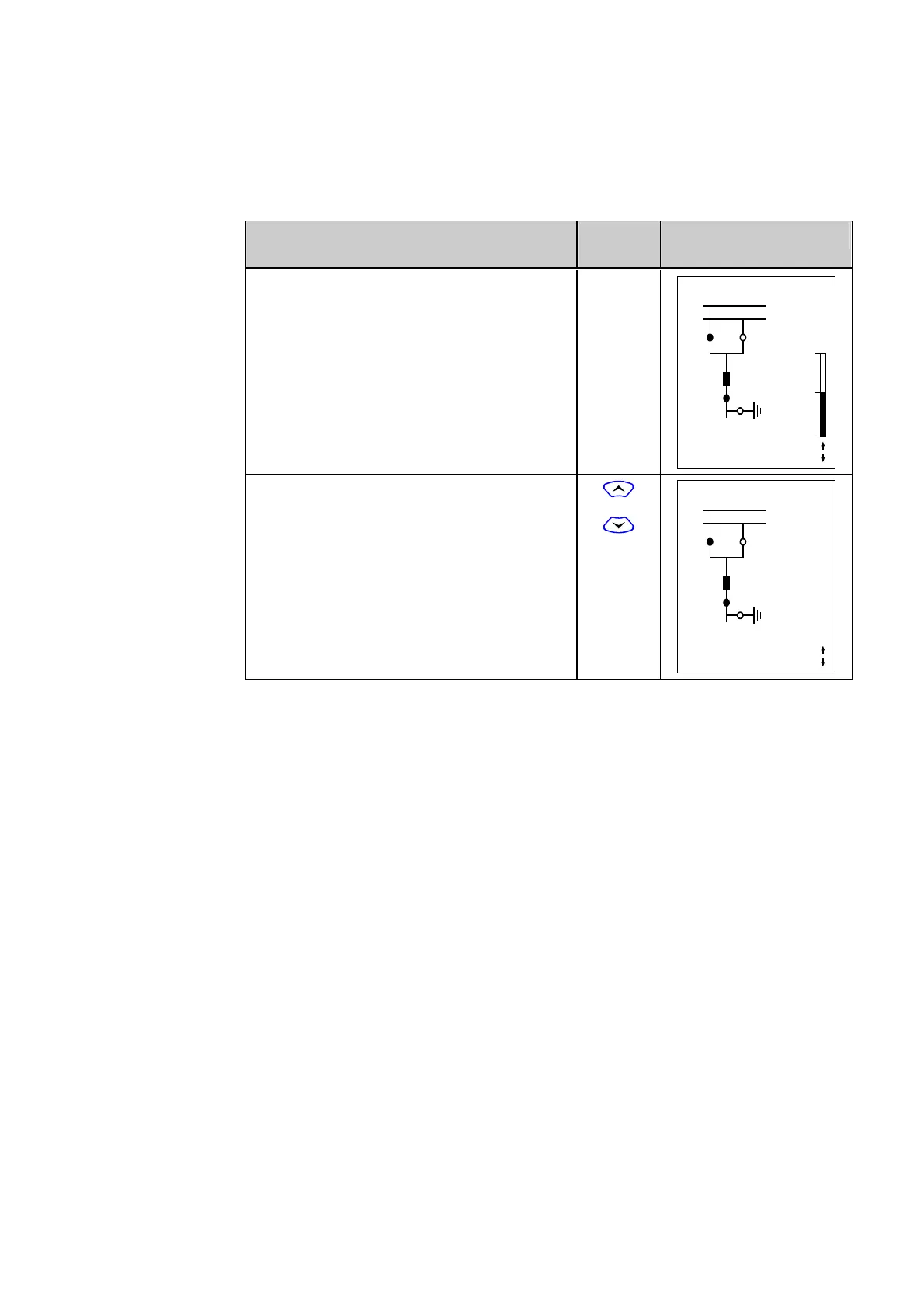
0 Measured values are shown one at a time.
A configuration step determines whether the
measured value will also be displayed in bar
form. The position of the bar can also be set
for horizontal or vertical (the setting applies to
all measured values). The arrows under the
bar indicate that additional measured values
can also be displayed.
X YYY 10:33:22
SS1
SS2
Q1 Q2
Q0
Q8
Locked
Remote
Q9
1088 A
Curr. IP,max prim.
1 Press the ‘up’ or ’down’ key to display the
next measured value. In the example shown,
no bar display has been configured for the
measured value.
or
X YYY 10:33:25
SS1
SS2
Q1 Q2
Q0
Q8
Locked
Remote
Q9
1000 A
Curr. IA prim.



 To Next Page