6 Local Control Panel
(continued)
6-36
C232-302-401/402/403/404-603 / C232/EN M/A23
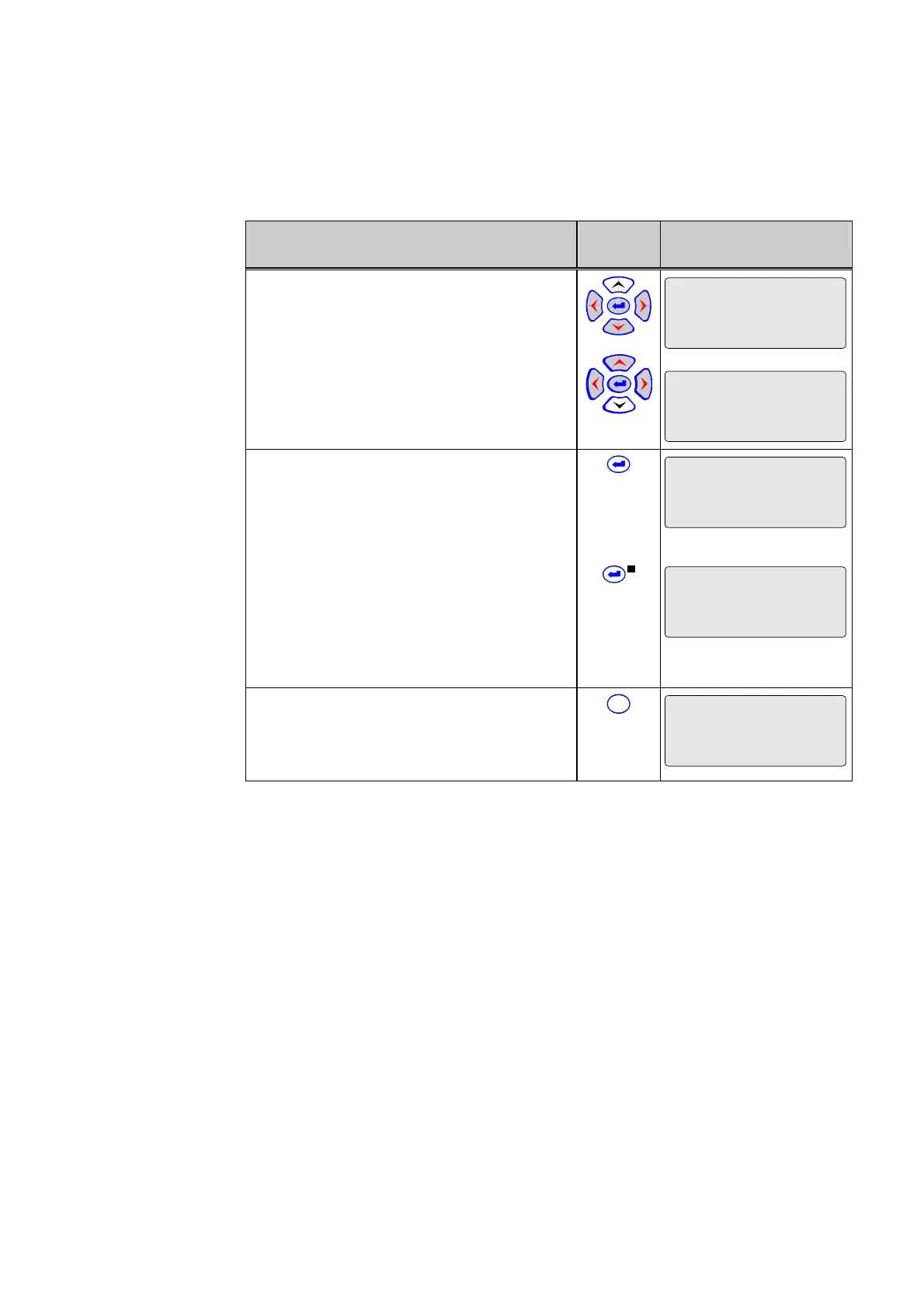
Control Step / Description Control
Action
Display
6 Re-enter the L/R password.
Par/Conf/LOC
Password L/R
**
*
Par/Conf/LOC
Password L/R
**
**
7a Press enter key once more. If the
password has been repeated correctly, the
“EDIT MODE” LED goes out and the display
changes as illustrated. The new password is
now valid.
Par/Conf/LOC
Password L/R
********
7b If the L/R password has been repeated
incorrectly, the “EDIT MODE” LED remains lit
and the display to the right is shown. The L/R
password needs to be re-entered.
Alternatively, the password change can be
aborted by pressing the reset key (see step 8).
Par/Conf/LOC
Password L/R
**
_
8 Up to step 7, the password change can be
aborted at any time by pressing the reset key.
The original password continues to be valid in
this case.
C
Par/Conf/LOC
Password L/R
********



 To Next Page