34
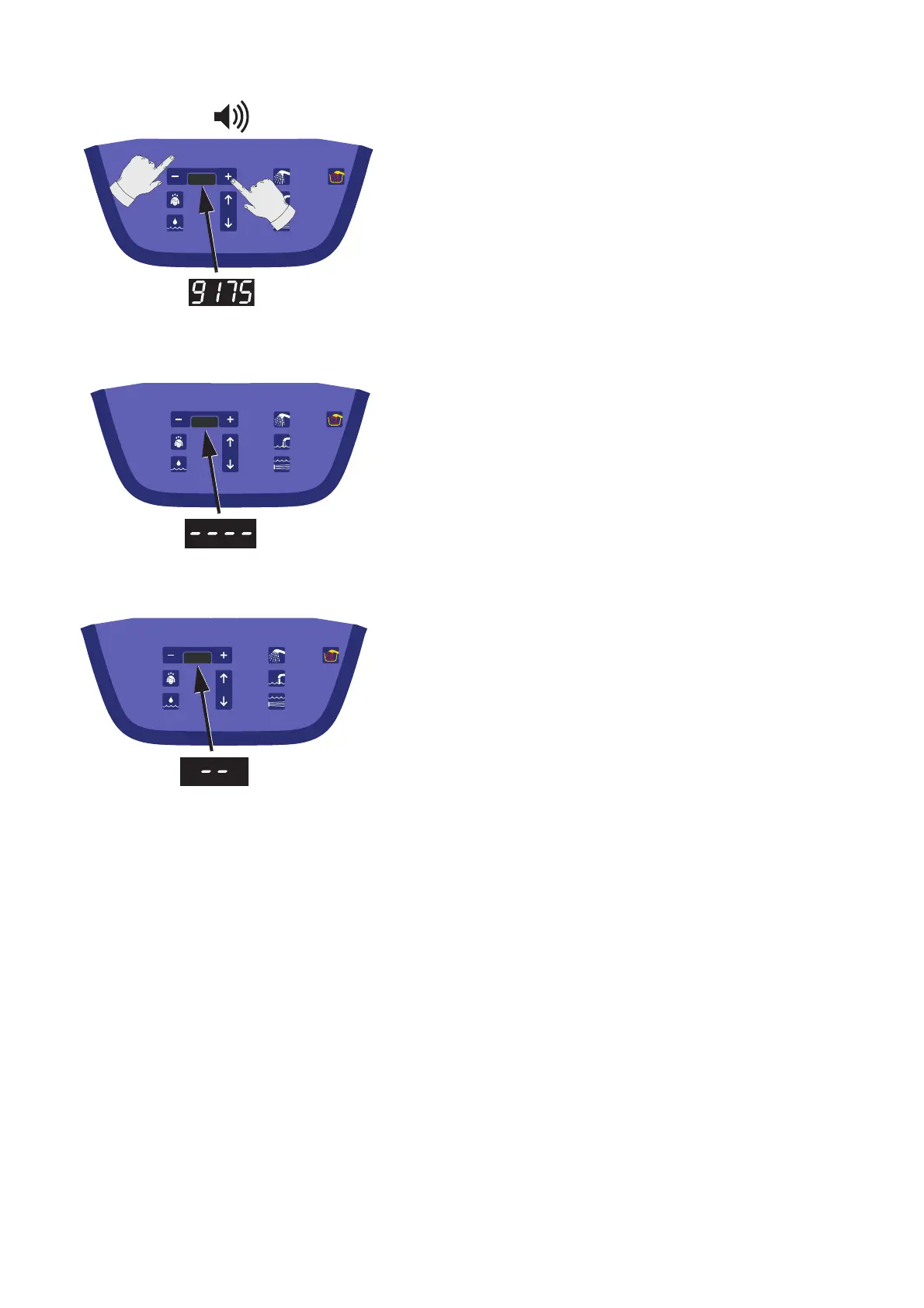
4 The code sequence required is “9175”.
To enter the code sequence: Press the “+” button until the
required individual number is displayed. (See fig. 4)
• Press the hidden button to accept.
• Continue this procedure until all four required numbers
are entered in correct sequence.
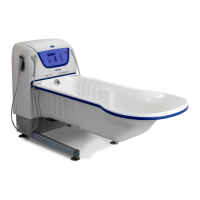
5 The display will now read “----” and the automated cali-
bration process will take approximately 10 seconds to
complete. (See fig. 5)
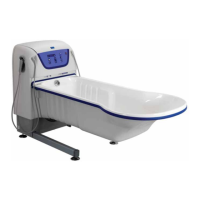
6 Correct calibration is then noted by “--” on the display.
(See fig. 6)
If any problems are encountered during the automated
calibration process, a buzzer will sound, and an error
code will be shown.
(Technical Manual required for error code references).








 To Next Page