installation &
operating instructions
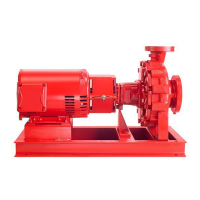
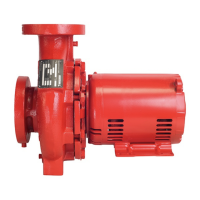
Design Envelope 4200h & 4280
End Suction Horizontal Pumping Units
15
personnel requirements
1 Armstrong Tier 3 training or equivalent
2 Ability to terminate simple control wiring
3 Ability to configure Armstrong controls
4 All work will be done on low voltage, however, when remov-
ing the controller cover high voltage may be exposed. An
electrician license is required in some areas
i wiring digital inputs
1 Connect one port of the contact to digin1 or digin2.
2 Connect the other port to +24vext
ii wiring analog inputs
a for speed control through analog input
1 Connect signal source to anin1 Or anin2
2 Connect the other port to gnd
b for speed control through differential
pressure sensor
1 Connect signal source to anin1 Or anin2
2 Connect the power port to +24vext or external +24v
b setting the analog / digital inputs from
web interface
i setting the digital inputs from the web
interface
Login to the web interface (Check Web Interface in section 4.4)
From Setting Pump
Under Digital Input 1/ Digital Input 2, Select On/O and hit
Update
ii setting the analog inputs from the web
interface
Login to the web interface (Check Web Interface in section 4.4)
Go to Setting Pump
a setting speed control through current
signal 4-20ma
Under Control Mode, select InputsAnalog in 1, or
Analog in 2 speed Current click Update
b setting speed control through voltage
signal 0-10v
Under Control Mode, select Inputs Analog in 1, or
Analog in 2 speed Voltage click Update






 To Next Page