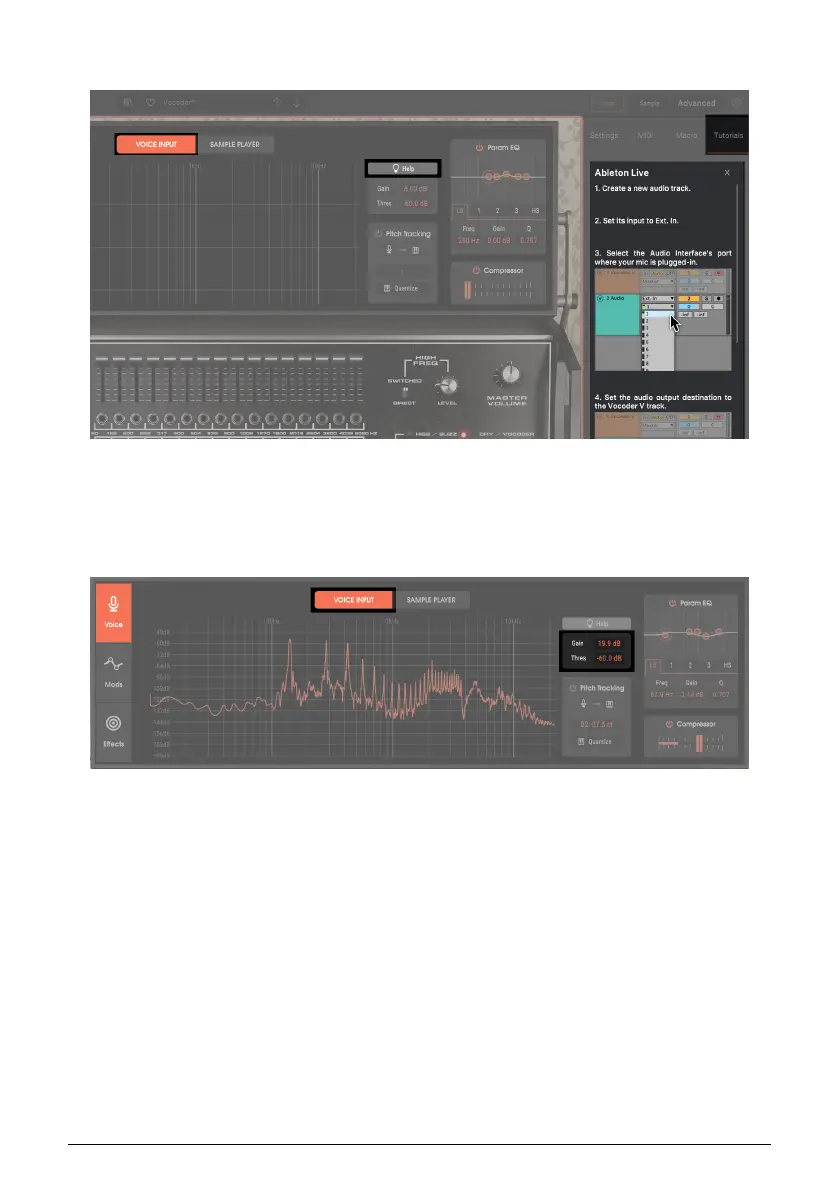
5.2.1. Help
Different DAWs have different ways of routing signals from a DAW track or bus. Click on
Help for routing instructions about supported DAWs.
5.2.2. Gain and Threshold
Gain (-36 dB to +24 dB). Set this for the optimum input level to Vocoder V. Ideally, peaks
will reach, but not exceed, -18 dB. There is another level control in the vocoder section to set
the modulation level; think of that as the master level control, and Gain as the preamp gain
control.
Threshold (-70 dB to +6 dB). The input must exceed the threshold to trigger a note-on
message to the synthesizer. Similarly, when the input goes below the threshold, it triggers a
note-off message. Always adjust Threshold after adjusting Gain.
Arturia - User Manual Vocoder V - Voice page 27












 To Next Page