7. VOCODER SECTION
The Modulator and Carrier synthesizer meet in the Vocoder section. It’s based on an iconic
16-channel design, but includes several additional features.
7.1. Input Section
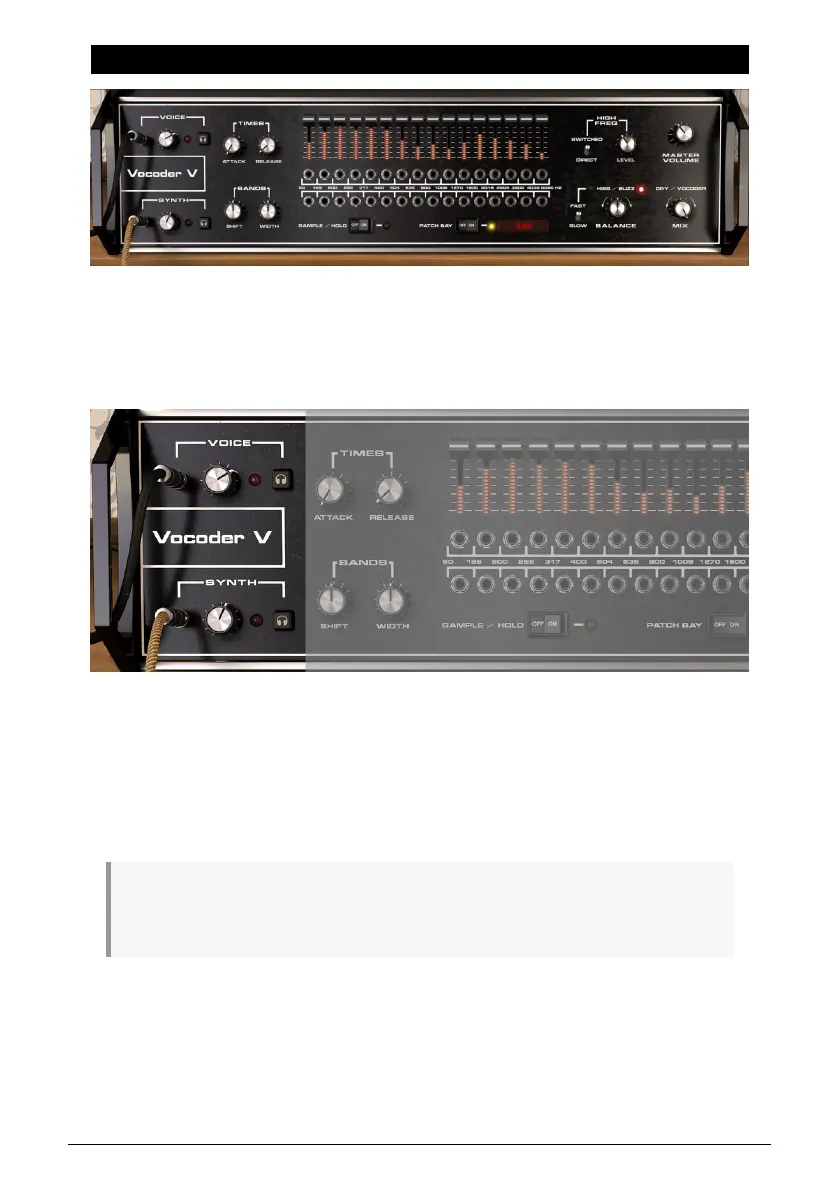
To optimize levels going into the Vocoder, both the Modulator (Voice) and Synth (Carrier)
have level controls with a range of -75 dB to 0 dB gain. Don’t set the levels too low, but avoid
lighting the red clipping indicator to the right of either level control.
To monitor what the Modulator and Carrier are feeding into the Vocoder, the Preview buttons
(headphone icon) solo one or the other (you can’t solo both simultaneously). The Preview
button settings are intended for diagnostic purposes, and are not saved as part of projects
or presets.
♪: To play the Vocoder V carrier like a standard synthesizer, click its Preview button. It won’t be
affected by the Effects settings, but the Envelope Follower, LFO, and assigned controls in the Advanced
panel’s Mods section will still influence the sound.
46 Arturia - User Manual Vocoder V - Vocoder Section












 To Next Page