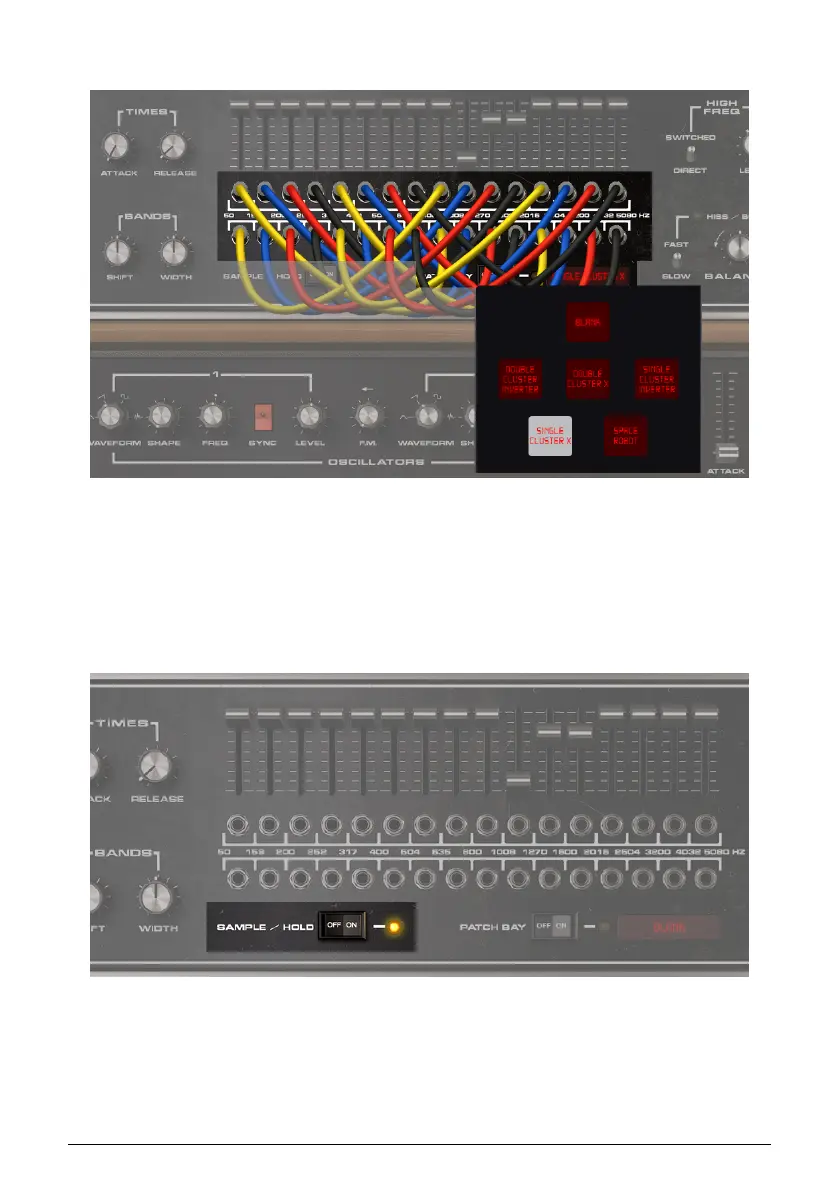
7.6.3. Patch Bay Presets
To open a pop-up menu with several patch bay presets, as well as a Blank preset that
restores the patch bay to its default position (no patch cords), click the field to the right
of the Patch Bay bypass switch. Click a preset to select it. Although custom patch cord
configurations cannot be saved as their own presets, they will be saved along with a
Vocoder V preset.
7.7. Sample and Hold
Sample / Hold Switch On to hold the levels of the modulator control outputs that feed the
Carrier bands. Any Carrier keys you play will all be affected the same way by the held
modulator control outputs. Switch off Sample / Hold to return to normal operation.
52 Arturia - User Manual Vocoder V - Vocoder Section












 To Next Page