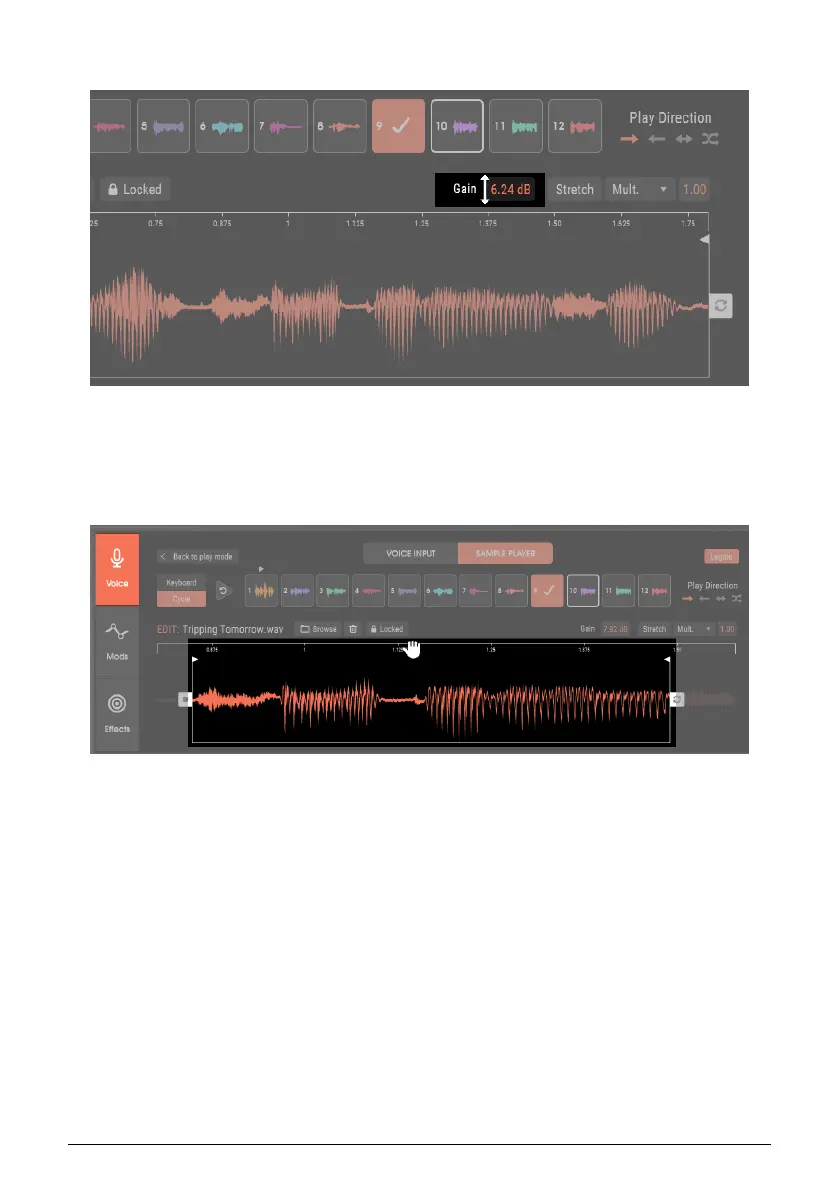
5.4.4. Change Sample Gain (Level)
To change a sample’s gain, for example to match the level of other samples in the chain,
click in the Gain field, and drag up or down to apply -36 to +24 dB of gain to the sample.
5.4.5. Sample Zoom In and Out
Zooming in allows placing the Start and End points (or Loop points, see next section) more
precisely. The image above shows the previous image, but zoomed in. To zoom in or out,
hover over the Time Ruler so that the cursor turns into a hand.
• Click and drag down to zoom in. • Click and drag up to zoom out. • Click and drag sideways
to move the timeline right or left.
38 Arturia - User Manual Vocoder V - Voice page












 To Next Page