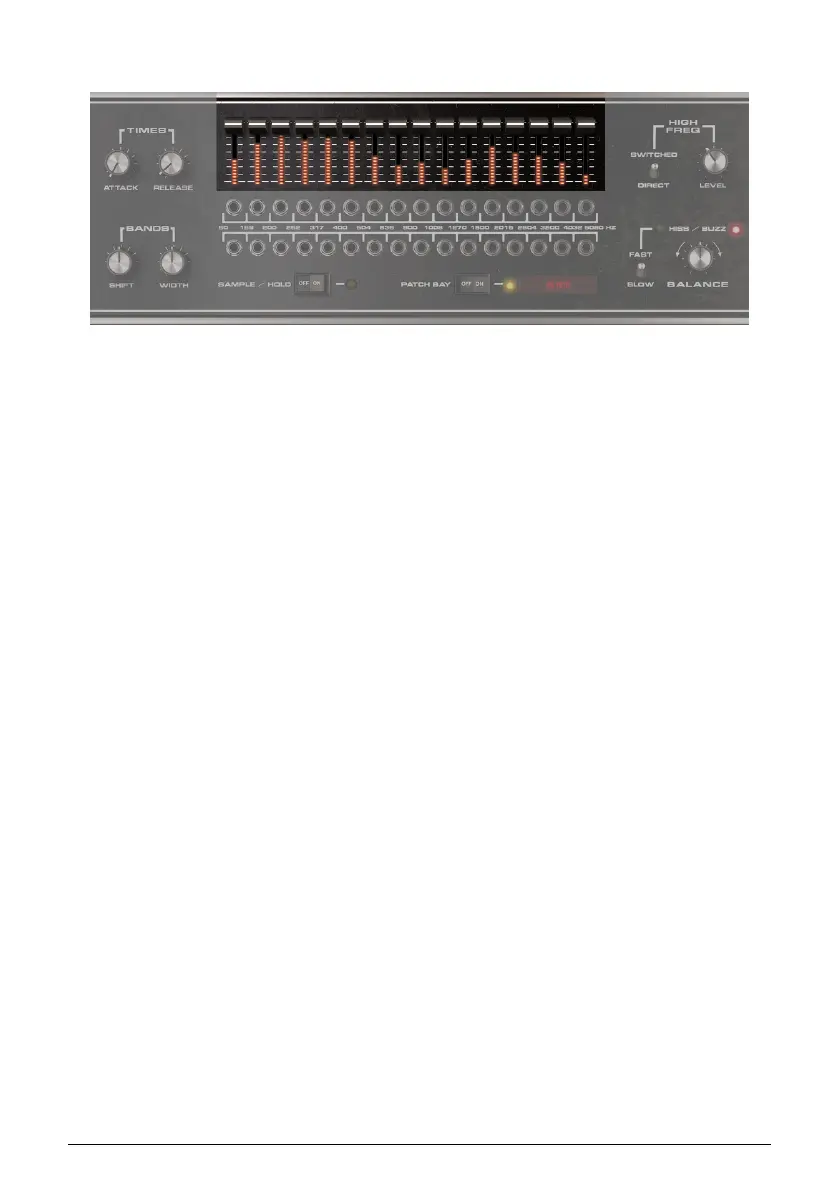
7.3. Band Level Controls and Meters
The 16 sliders control the output levels of the Carrier synthesizer’s bands. Use this feature to
reduce the levels of bands whose frequencies conflict with other instruments, or increase
levels with bands that help increase intelligibility.
There are two ways to change the slider levels.
• Click on a slider and move it.
• Click on a slider, then drag over the other sliders to “draw” a curve.
Each band also has an audio meter that shows the band’s pre-fader output level.
48 Arturia - User Manual Vocoder V - Vocoder Section












 To Next Page