Doc ID: ADR111A _IM_01
Ref ID: ADR111A /IM/PC-SI
Rev No. : 04
Page No. : 47 of 127
ADR111A /
ADR211A
Now set communication setting it should be match with relay settings.
After selecting the communication setting, click on Apply button.
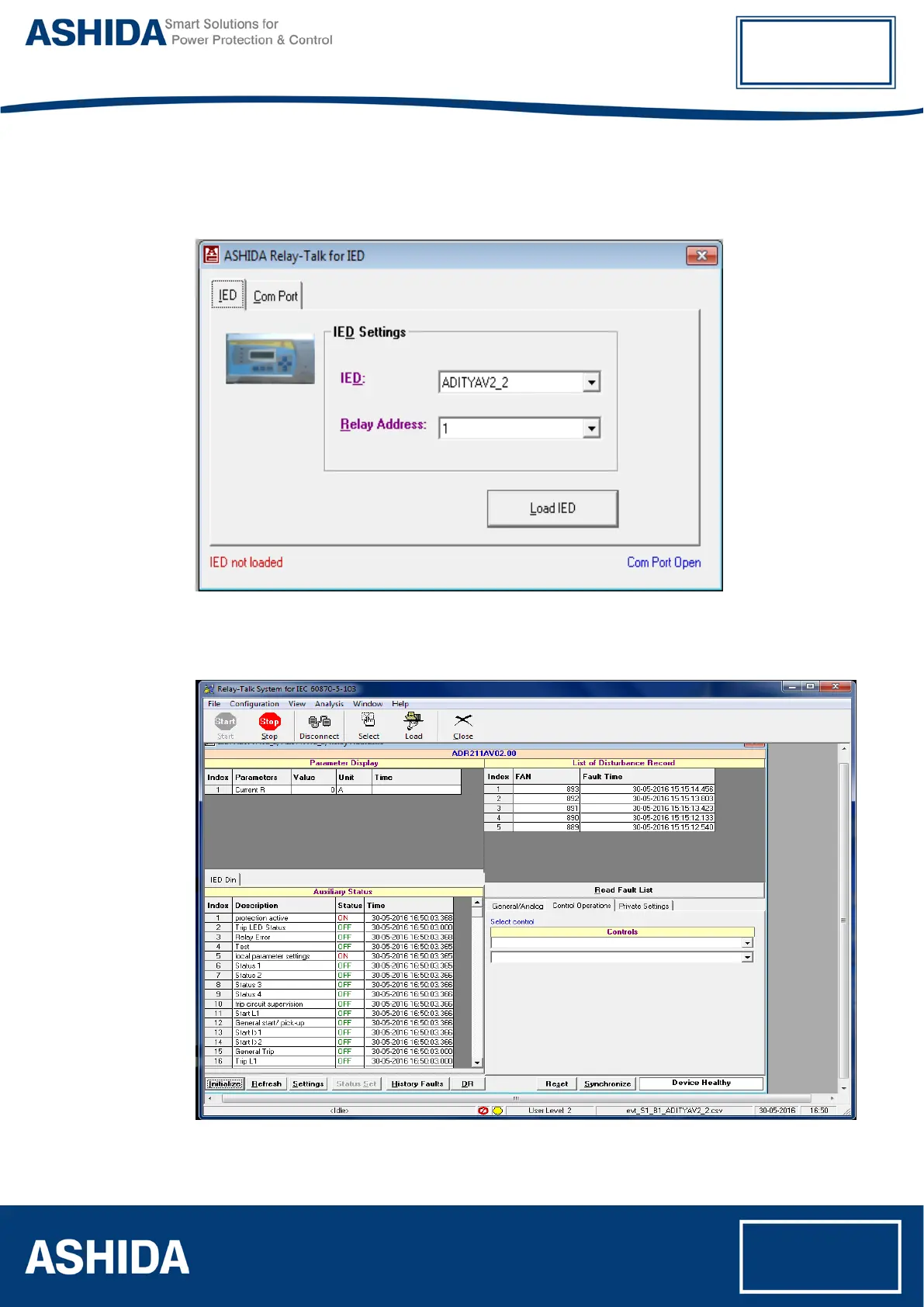
Now, press the IED button.
Figure 3: IED Setting
Now press the Load IED button, the display will show following IED Main screen.
Figure 4: IED main screen



 To Next Page