EasyManua.ls Logo

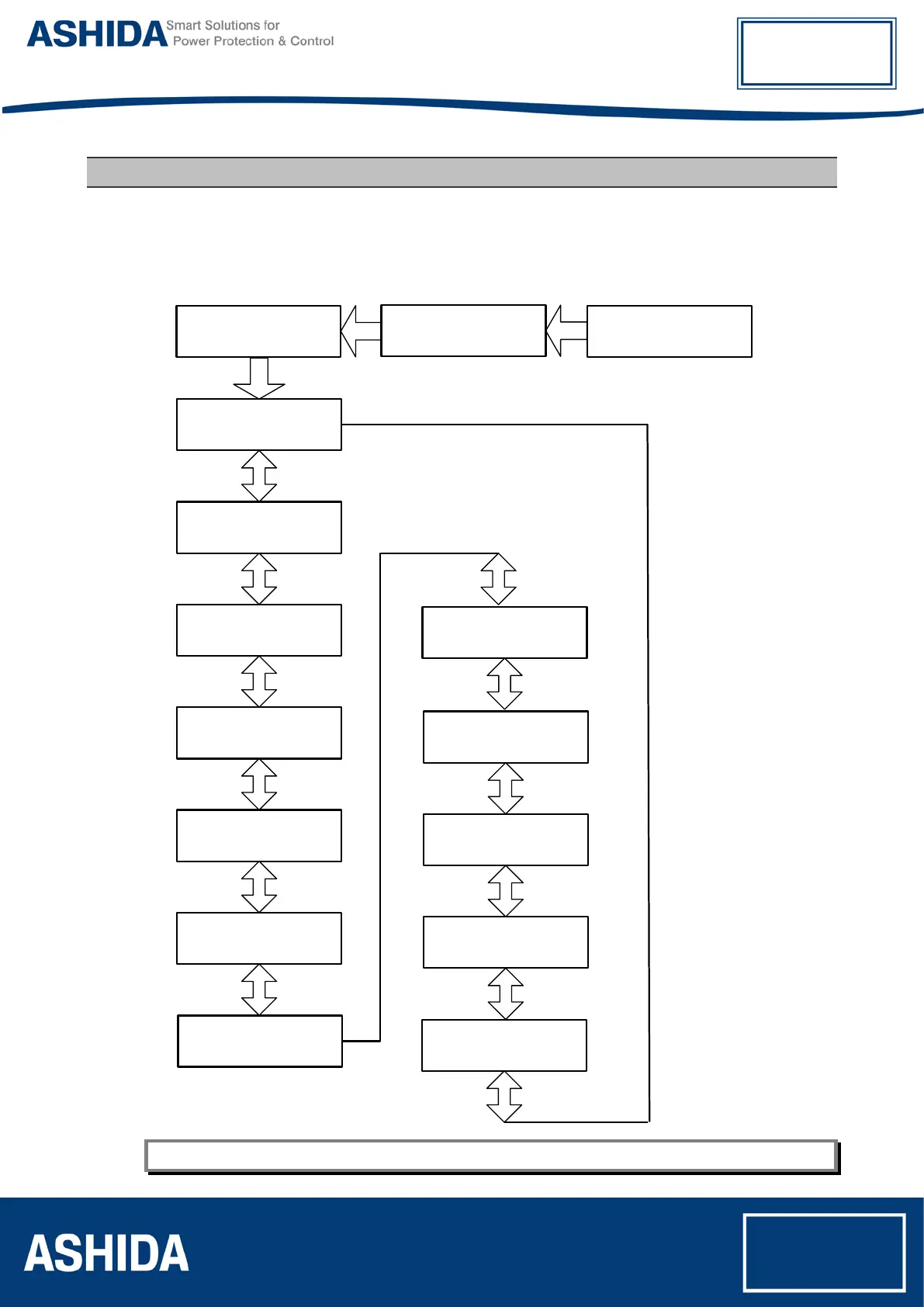
Ashida ADR141A - Main Menu Navigation Flow Chart

Default Icon
151 pages
Print Icon
To Next Page IconTo Next Page
To Previous Page IconTo Previous Page
Loading...
ADR141A /
ADR241A
Doc ID : ADR241A_IM_01
Ref ID : ADR241A/IM/FC
Rev No. : 02
Page No. : 125 of 150
9 FLOW CHART OVERVIEW
9.1 Main Menu
After the Power ON or when LED RESET + HW RESET keys pressed the following windows will
be displayed and the user can scroll the main menu as given below
R=0000 Y=0000
B= 0000 N=0000 A
Measurement
Relay Setting
Cold Load
TRIP TEST
Fault 1
Fault 2
Fault 4
Fault 5
Error Log
Status
ADR241A V01.05
Unit ID = 0001
Date / Time
Fault 3
Ashida Digital
OC/EF Relay
4 3
4 3 4 3
4 3 4 3 4 3
4 3
4 3
4 3
4 3
4 3
4 3
5
Note: By using the Up arrow key (
5
) and the down arrow key (
6
) the Main Menu settings can be scrolled.

Table of Contents

Related product manuals