Doc ID : ADR241A_IM_01
Ref ID : ADR241A/IM/TC
Rev No. : 02
Page No. : 146 of 150
ADR141A /
Post instillation / Commissioning observation
After successful installation confirm amount of existing load current in each phase (R, Y and
B) and Earth Fault (EF). This can be confirmed with Analogue/ Digital current meter available
on panel with relay primary and secondary current measurement window. In normal
balanced load condition, the i.e. current should be very low.
11.4 Relay Testing
Relay Calibration & Measurement
Before conducting actual test, confirm relay calibration by following method.
• Connect ADR141A/ ADR241A relay to current injector and timer.
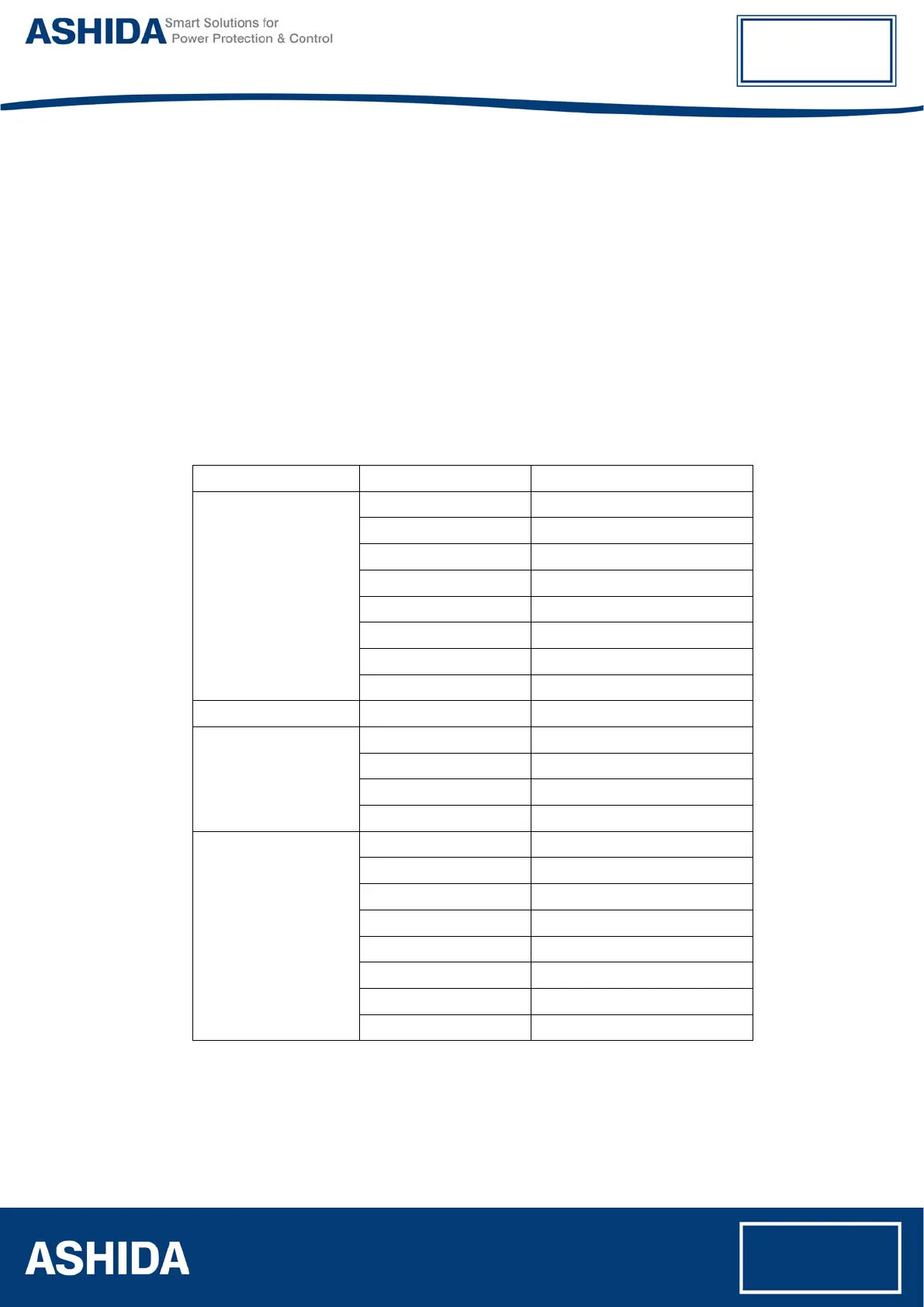
• Following chart shows terminal numbers of connections.
Source Terminal Relay Terminal Relay Connection
Current Source
A1 – A2 Current R-CT _1A
A3 – A4 Current R-CT _5A
A5 – A6 Current Y-CT _1A
A7 – A8 Current Y-CT _5A
A9 – A10 Current B-CT _1A
A11 – A12 Current B-CT _5A
A13 – A14 Current EF-CT _1A
A15 – A16 Current EF-CT _5A
Power Supply (+ / -) C1 – C3 Power Supply (+ / -)
Logic Input
B2 – B4 Status 1
B3 – B5 Status 2
B6 – B8 Status 3
B7 – B9 Status 4
Logic Output
C2 – C4 TRIP 1
C5 – C7 TRIP 2
C6 – C8 ANN. 1
C9 – C11 ANN. 2
C10 – C12 ANN. 3
C13 – C15 ANN. 4
C14 – C16 BF
B10 – B11 – B12 TCS
Step1. Connect all terminals as per the chart.
Step2. Adjust rated CT Secondary Current 1A/5A. Observe the current value from
measurement menu. The actual current should match with relay display.
Step3. Repeat the same procedure for other element.



 To Next Page