8
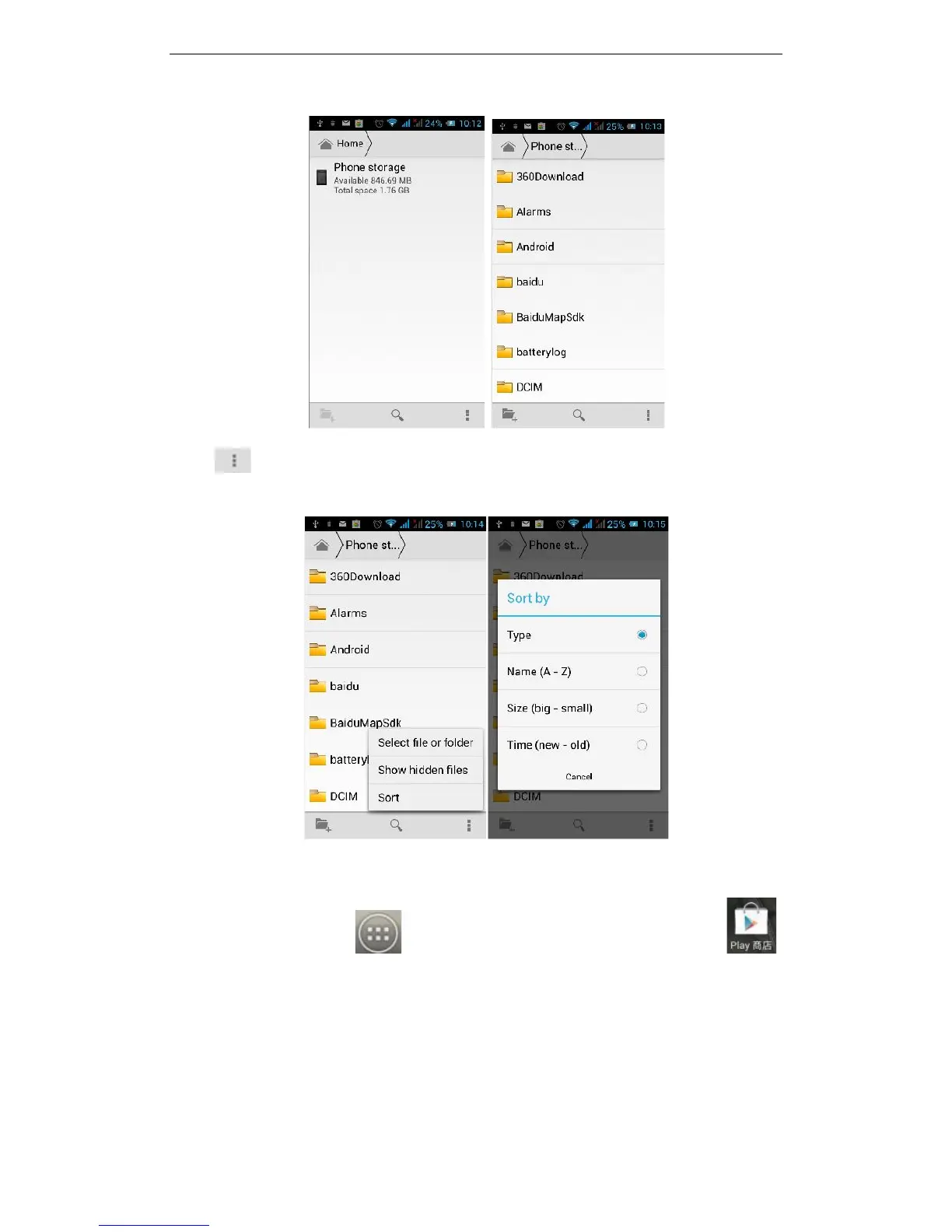
Click and you can select one or more files or folders to share, copy, delete, cut,
rename and other operations. You can also reorder the folder by name, size or date.
3.2Play Store
On the main screen, tap to see installed applications, and then click to
enter the Play Store. You will need to create an account when you first visit the Play
Store, you can follow the prompts to complete the creation process. When you use the
account to enter Play Store home page, you can see a variety of mobile phone
applications, you can choose according to your needs and download it to your phone.
You can slide the screen to the category you are after, Top Paid, Top Free, New products,
or Trending to find the most popular recent content.



 To Next Page