23
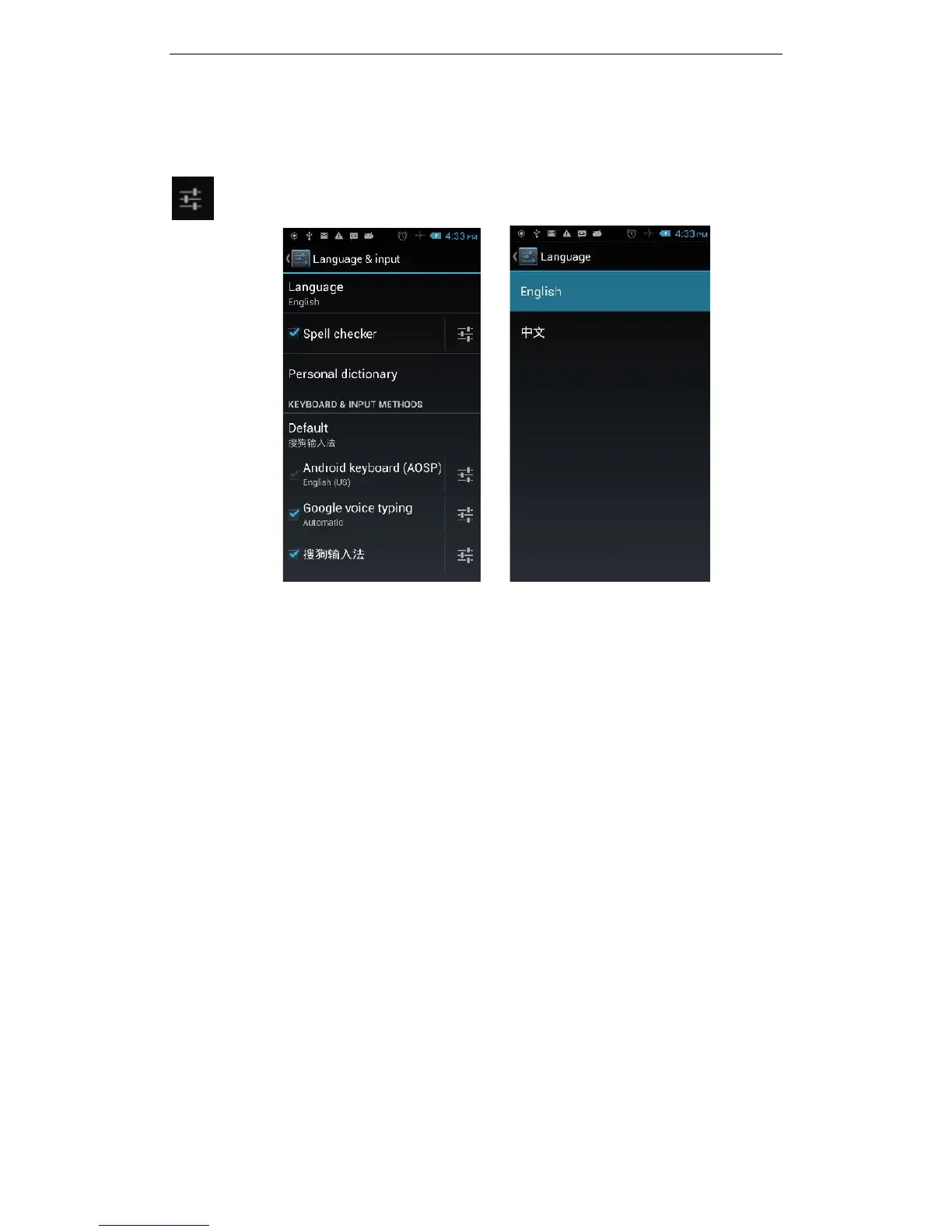
3.11.12Language and Input
You can choose your preferred language and input method, you can also click
for the input method for the relevant settings:
3.11.13SOS Setting
You can store up to five (5) emergency contact numbers to assign to the SOS button
(bottom left side of the phone)
3.11.14PTT Settings – for Programmable Key
You can select your preferred application to assign to the Programmable Key - PTT
button (top left side of the phone)
3.11.15Backup & reset
You can backup your data, automatically restore, restore the factory settings and
operations, choosing to restore factory settings will delete all personal data on your
phone.
3.11.16Screen gestures
You can choose specific responses to different touches, swipes of your phone’s
screen, eg. Swipe up to wake the phone from sleep mode
3.11.17Date & time
You can choose to automatically determine the date and time, automatically
determine the time zone, use the 24-hour format, and select the date format and
other operations. You will need mobile network or wi-fi connection to use some of



 To Next Page