19
gloves. With Glove Mode disabled only the touch of skin will be sensed.
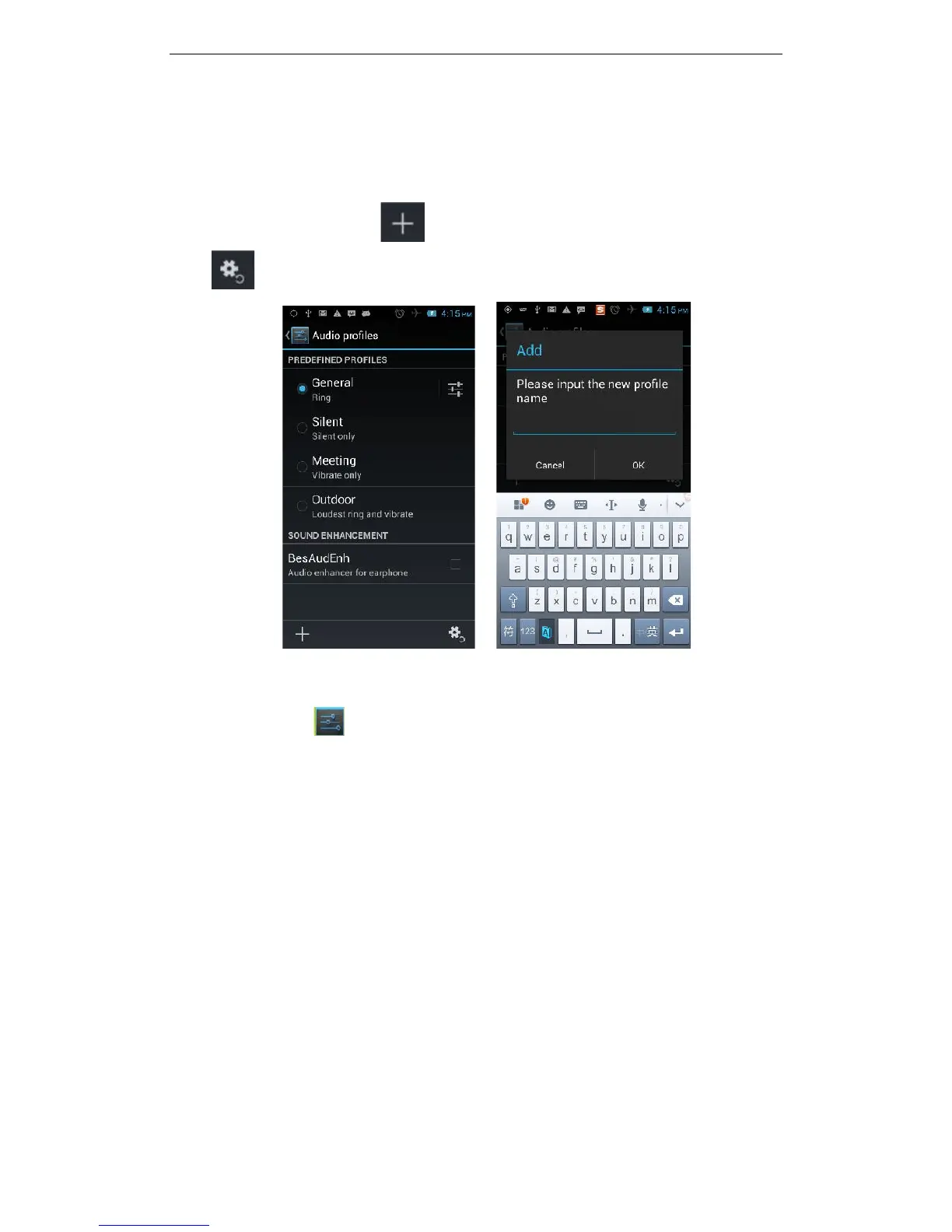
3.11.6 Audio Profiles
The following modes can be set up on the phone: Standard, Silent, Meeting, and
Outdoor; You can also click on the lower left corner to add a new mode,
click on the lower right corner to return to the default settings.
3.11.6.1 Changing the Master Ringtone
Open the settings to personalise your phone. You can change the Master
Ringtone of your phone by selecting the ‘Audio Profiles’ option. This is the ringtone
you will hear for all calls, except for contacts where you have assigned a specific
ringtone (see 3.2.2 Assigning Specific Ringtones to Your Contacts). Touch the
settings button to the right of the ‘General’ profile



 To Next Page