28
3.15 Voice Search
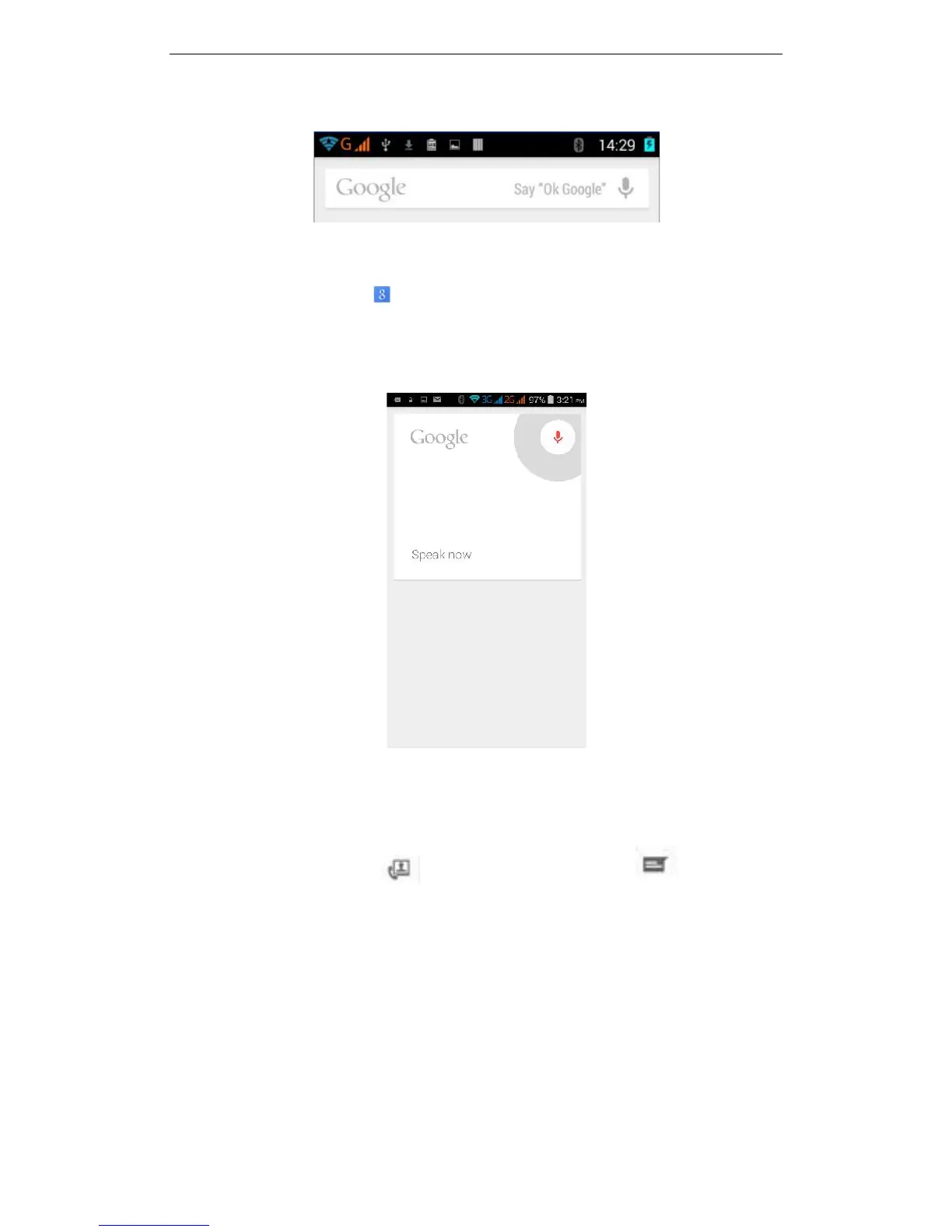
1. Open the Google app .
2. Say "Ok Google" or touch the microphone icon
Tip: If you have "Ok Google" from any screen turned on, you can also say "Ok Google"
to start a voice search even when you don't have the Google app open..
3.16 Contacts
You can directly open the "Contacts" from the main screen, or open it in the "Dial"
interface. Enter the contact interface as shown, click on a contact to view the contact
information stored, click on to call the contact, click on to send SMS to
the contact. Press the Menu key to modify, share and delete the contact.



 To Next Page