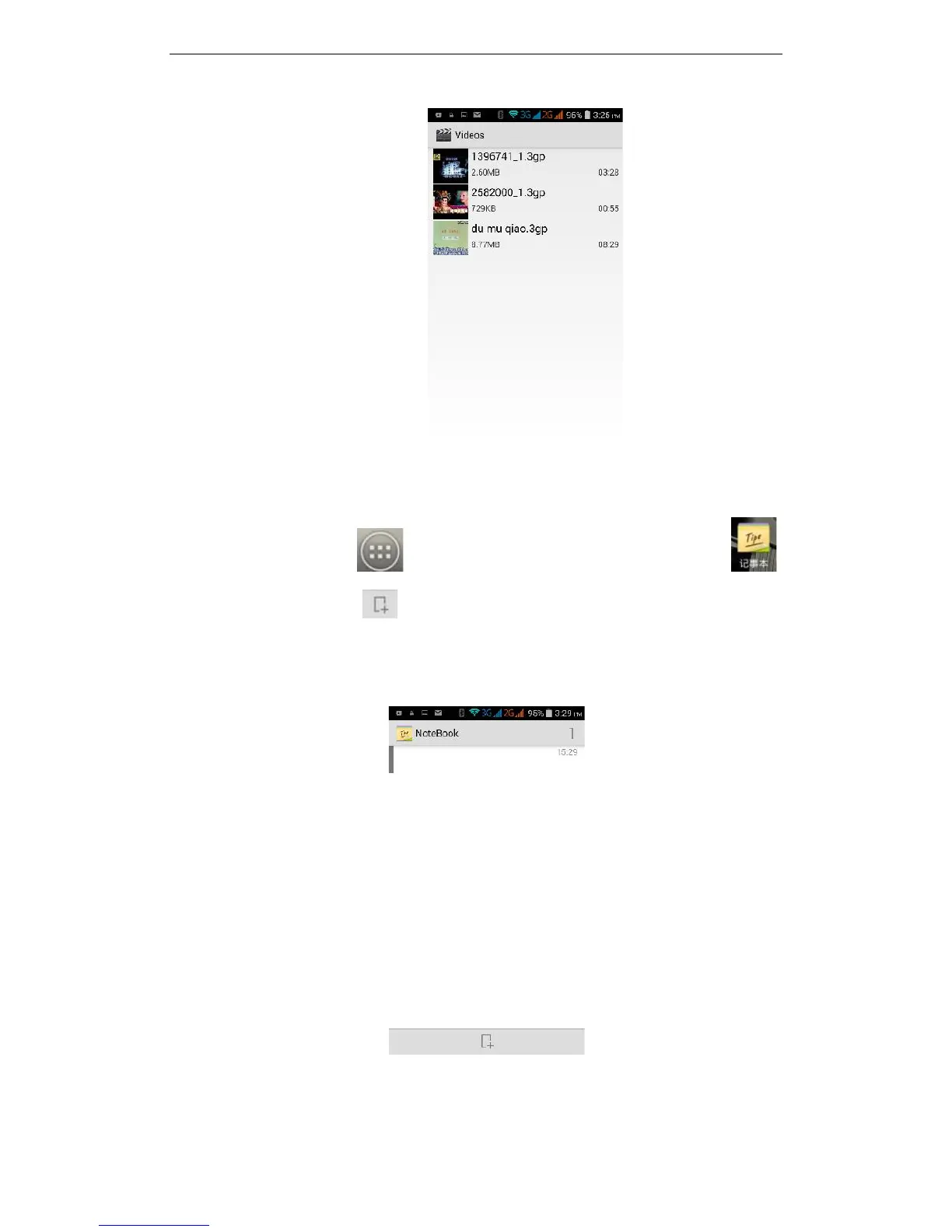
35
message, Bluetooth, E-mail or share
3.28 NoteBook
On the main screen, tap to see installed applications, and then click to
open NoteBook. Click on to add a new Note. Click the "Uncategorised" area to
categorise the newly added Note, mainly divided into work items, personal matters,
family matters and learning issues.



 To Next Page