7
or receive a call.
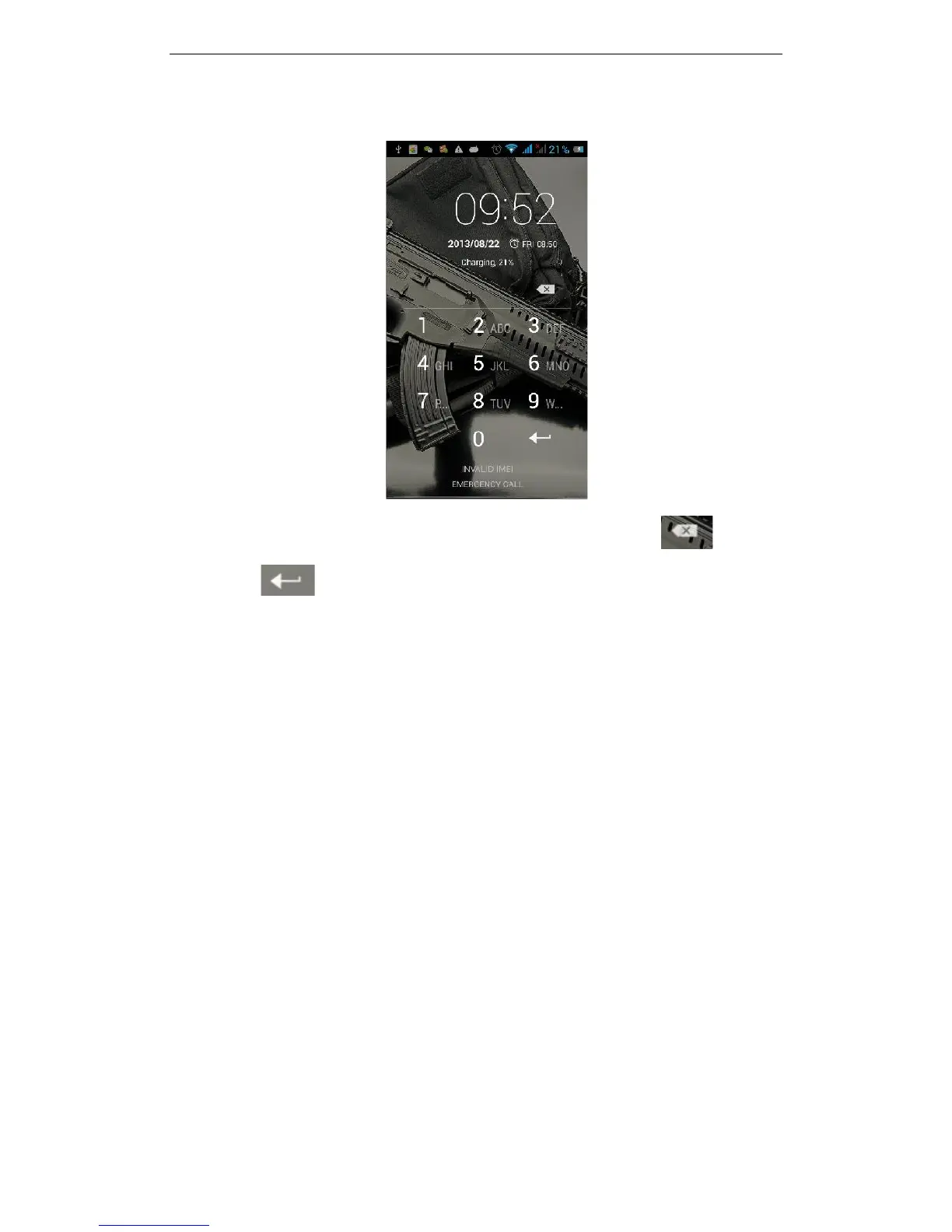
Press the ON / OFF key to boot the phone; enter PIN code, press to clear an
error, press to confirm
If you enter the wrong PIN code several times, the SIM card will be lock and you will
need to contact your SIM card network operator.
2.3.4 Unlock Screen
In order to prevent unauthorized use, you can set your phone screen lock. Electing to
use this function, every time you light up the screen you must draw your unlock pattern
or enter your unlock code to unlock the phone, and then send or receive calls.
Users can clear the unlock pattern (see "Security Settings"), in this case, the phone can
not prevent unauthorized use
Basic Functions
3.1File Manager
You can view and manage the files which are stored locally on the phone or SD card. You
can copy the files, paste, rename, delete, share and other operations.



 To Next Page