13
3.7Calculator
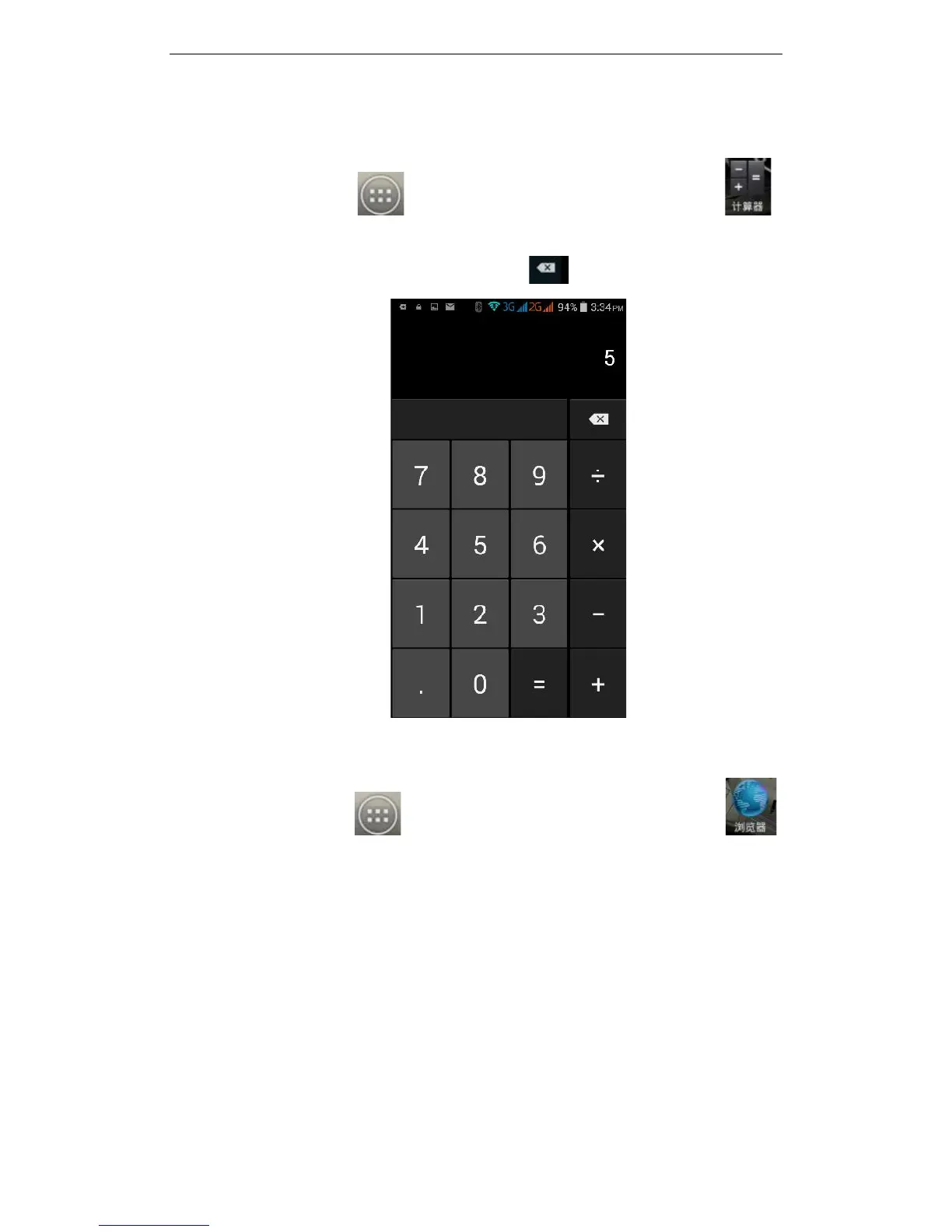
On the main screen, tap to see installed applications, and then click to
access the calculator. Your phone provides you a calculator with the four basic functions,
allowing you to perform simple arithmetic. Press to clear the recent input or the
result.
3.8Browser
On the main screen, tap to see installed applications, and then click to
enter the browser. Using the mobile network data connection or Wi-fi the Web browser
lets you surf the Web on your phone, and view Web pages, like on a computer. You can
create a bookmark on your phone and sync bookmarks with your computer. Directly
from the main screen to quickly access your favorite sites.
In the search box, enter the content you want to find, click the Search icon, and click to



 To Next Page