2.3Booting Your Phone
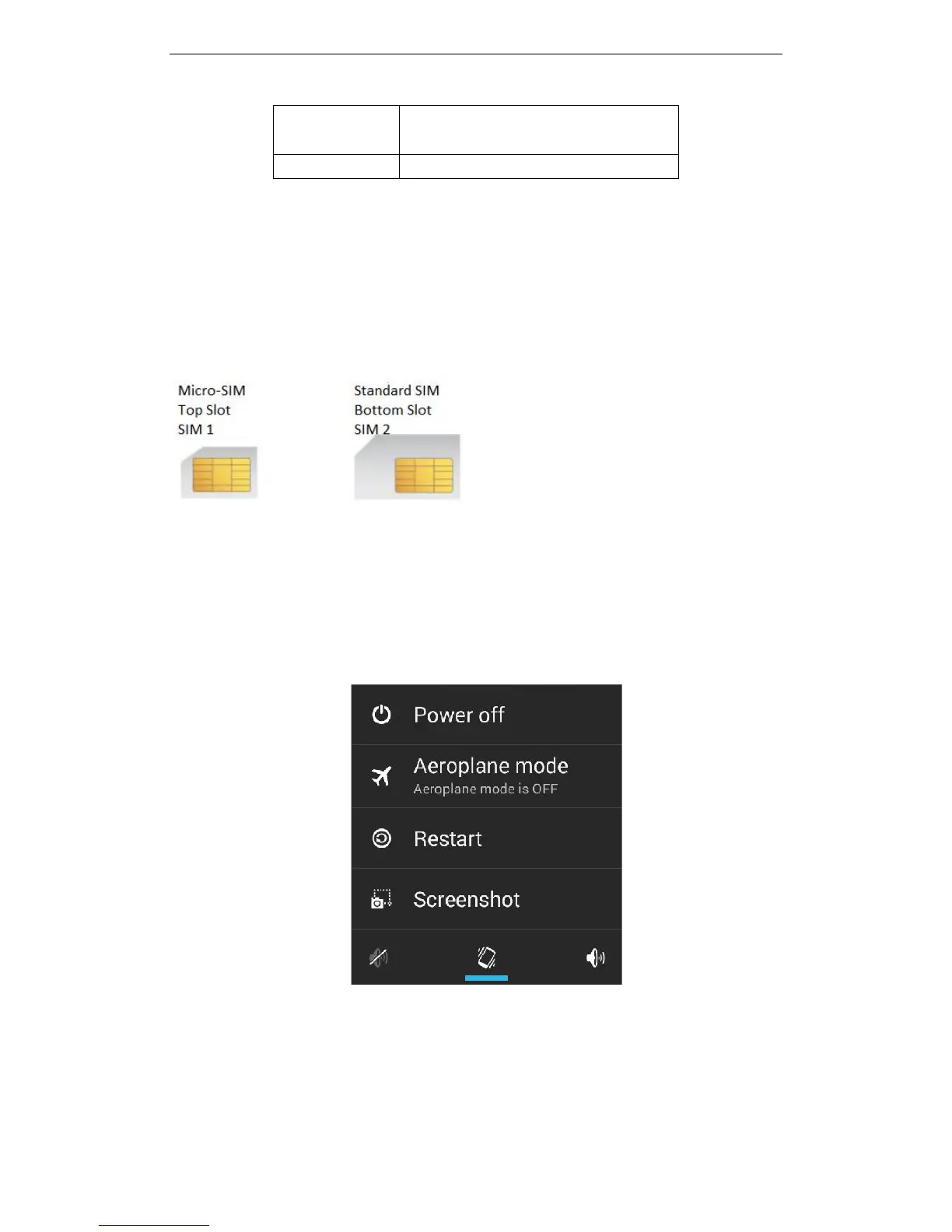
2.3.1 Insert and Remove SIM Card
Turn off the phone, remove battery and other external power supply. When you
need to take out the SIM card, please turn it off, take out the battery, then remove SIM
card from SIM card holder.
2.3.2 Power On/Off
To turn on the phone; long press the power key on top of the phone.
To turn off the phone; long press the power key again, then select “Power Off”
when the option is presented on the screen.
Press the power key to switch the phone function, you can also choose to reboot
the phone, select the flight mode, mute mode, vibration mode and standard mode.
2.3.3 Unlock SIM Card
In order to prevent unauthorised use, the SIM card may ask for a PIN (Personal
Identification Number). If you elect to use this function you must enter the PIN code
every time the phone is switched on so that you can unlock the SIM card, and then send



 To Next Page