25
3.11.20Developer options
You can set desktop backup password, unlock the screen, protect the SD card, read
and write protection, USB debugging and other applications.
3.11.21About Phone
You can view the phone's current signal strength, power, service status, the phone's
software and hardware information.
3.12 Clock
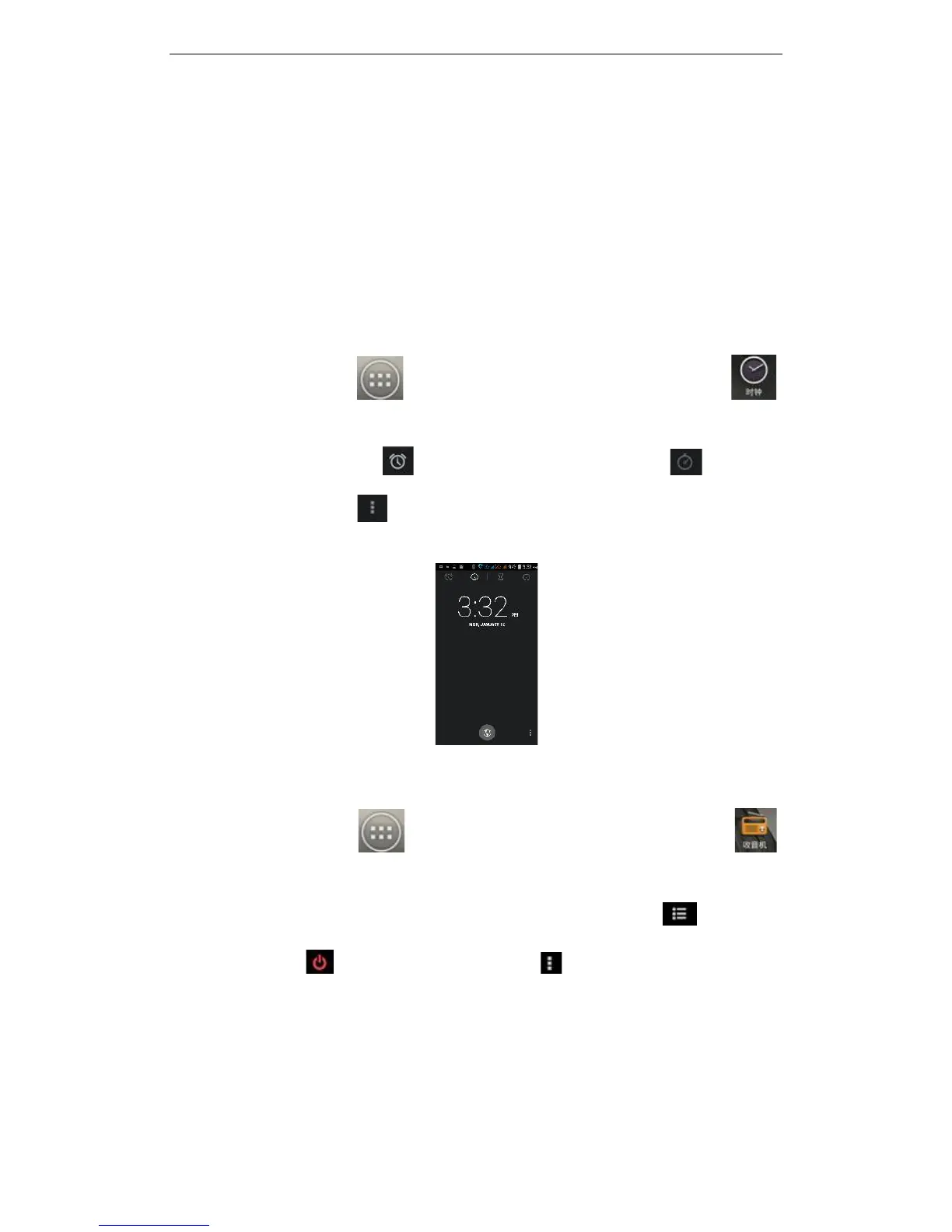
On the main screen, tap to see installed applications, and then click to
enter the clock application. You can see the settings of date and time, week and alarm
in the clock interface. Click to view and set the alarm; click to open the
stopwatch function; click to select night mode, set menu and set the alarm, etc.
3.13 FM Radio
On the main screen, tap to see installed applications, and then click to
enter the radio function. You will need to plug in the headset cable, then you can search
channels. Your headset acts as an antenna for the radio. Click to enter the
channel list; click to stop / play Radio; click , to access search, FM recording
and other operations, as shown



 To Next Page