33
indicates pause/play song.
indicates continue playing.
indicates switch to last song, long press to rewind.
indicates switch to next song, long press to forward.
indicates the progress of the song playback (time display), sliding around
the scroll bar to jump to any position in the song.
indicates on/off the shuffle.
indicates on/off repear all songs.
indicates repeat current song.
indicates back to song list.
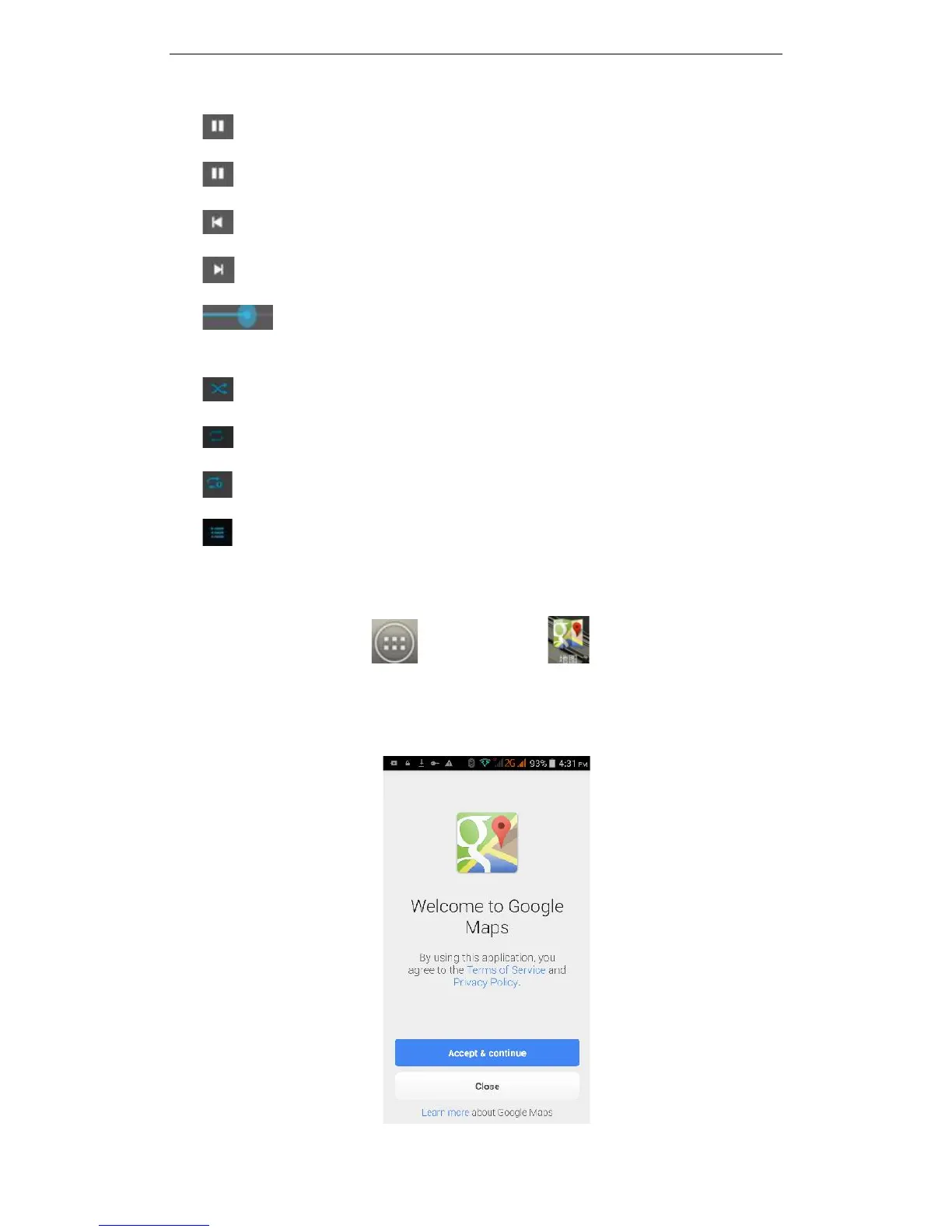
3.25 Maps
On the main screen, tap , and then click to enter the Google Maps
interface. You can click on the Search icon key on the screen, enter the destination
you're looking for, then Search, or click the line icon at the bottom of the screen to see
other options.



 To Next Page