34
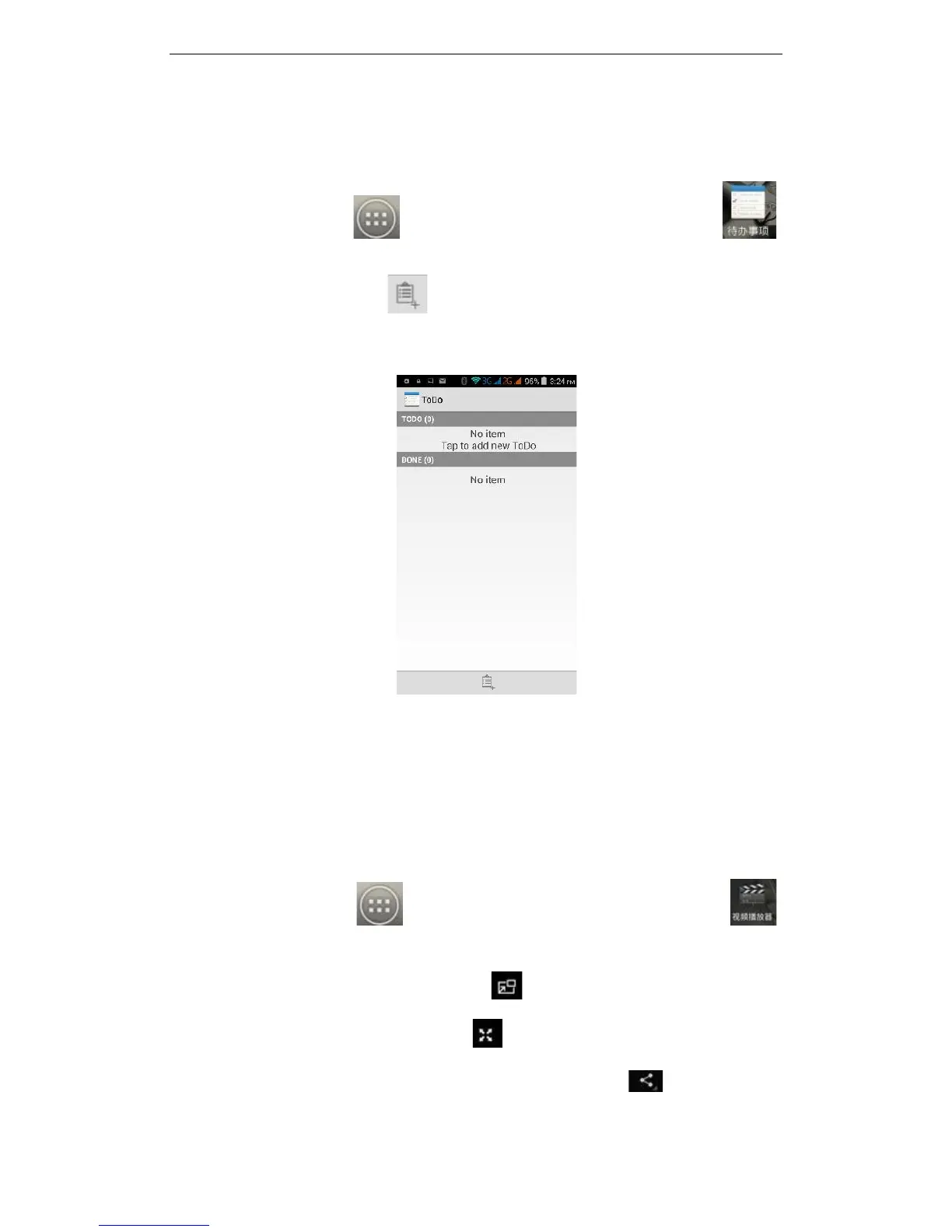
3.26 ToDo
On the main screen, tap to see installed applications, and then click to
enter the ToDo application. In the ToDo interface, you can view the ToDo items and
completed items, or click on at bottom of the screen to add items. In the New
ToDo items interface, you can enter a title and description. You can also set the deadline
for your ToDo:
3.27 Video
On the main screen, tap to see installed applications, and then click to
enter the video list. Clicking on the menu key you can delete, sort, or complete other
operations. To select a video to play, click to play the video in a small window
supporting background play mode. Click to enter full-screen playback. Click time
progress bar to access forward and reverse operations. Click to send video via



 To Next Page