11
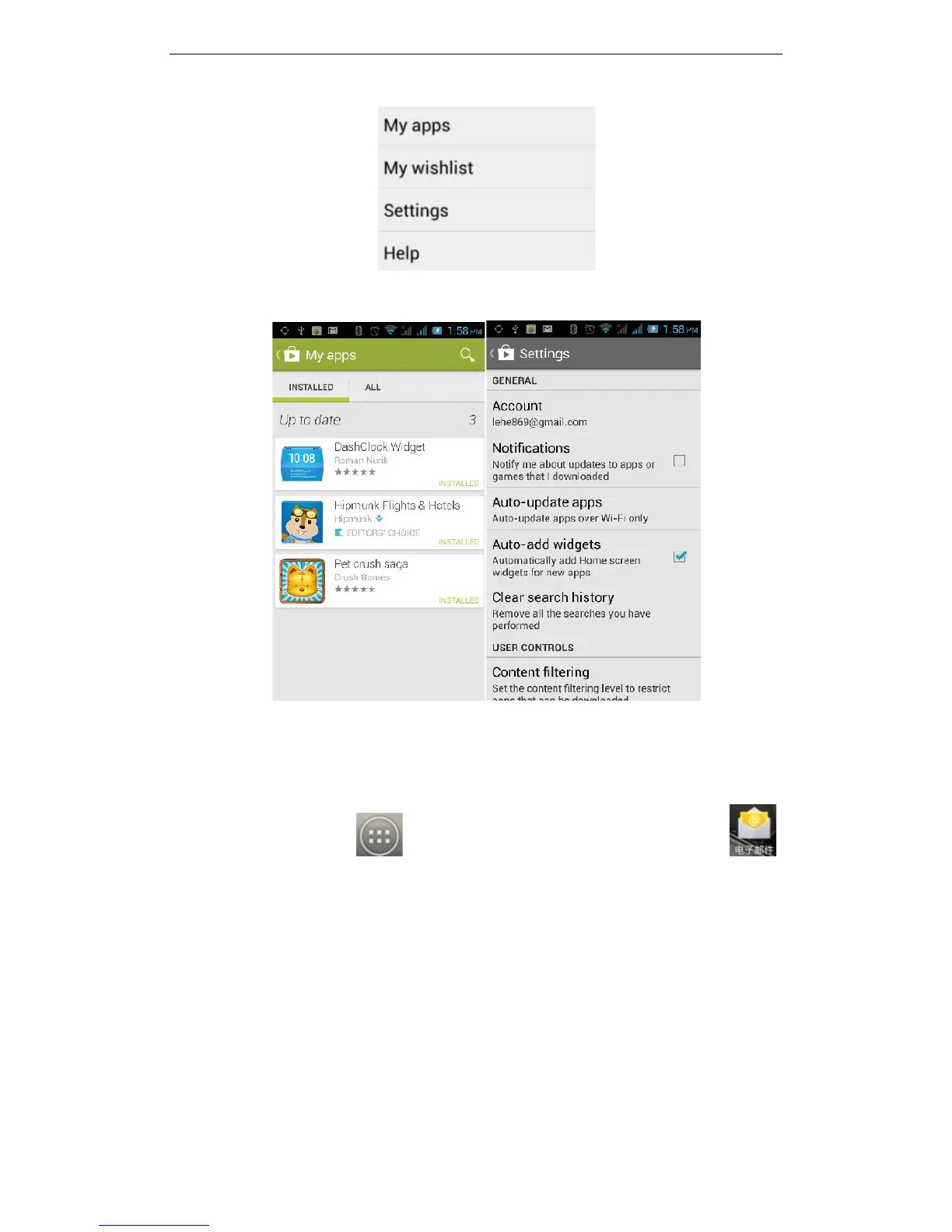
Selecting "My apps", you can view your "Installed applications" and "All Applications",
you can also reset accounts, notifications, auto-updating applications, password etc.
For other Google services, such as: Gmail, Google, Google Talk, you will need an active
Google account in order to properly use all features.
3.3E-mail
On the main screen, tap to see installed applications, and then click to
enter the e-mail application. You can send email messages to anyone with an email
address.
Enter the program and set up your account, then you can click on your email account to
start, edit, create account, delete operations, you can send or receive email as you
would on a computer. The program requires network or wi-fi connection.



 To Next Page