21
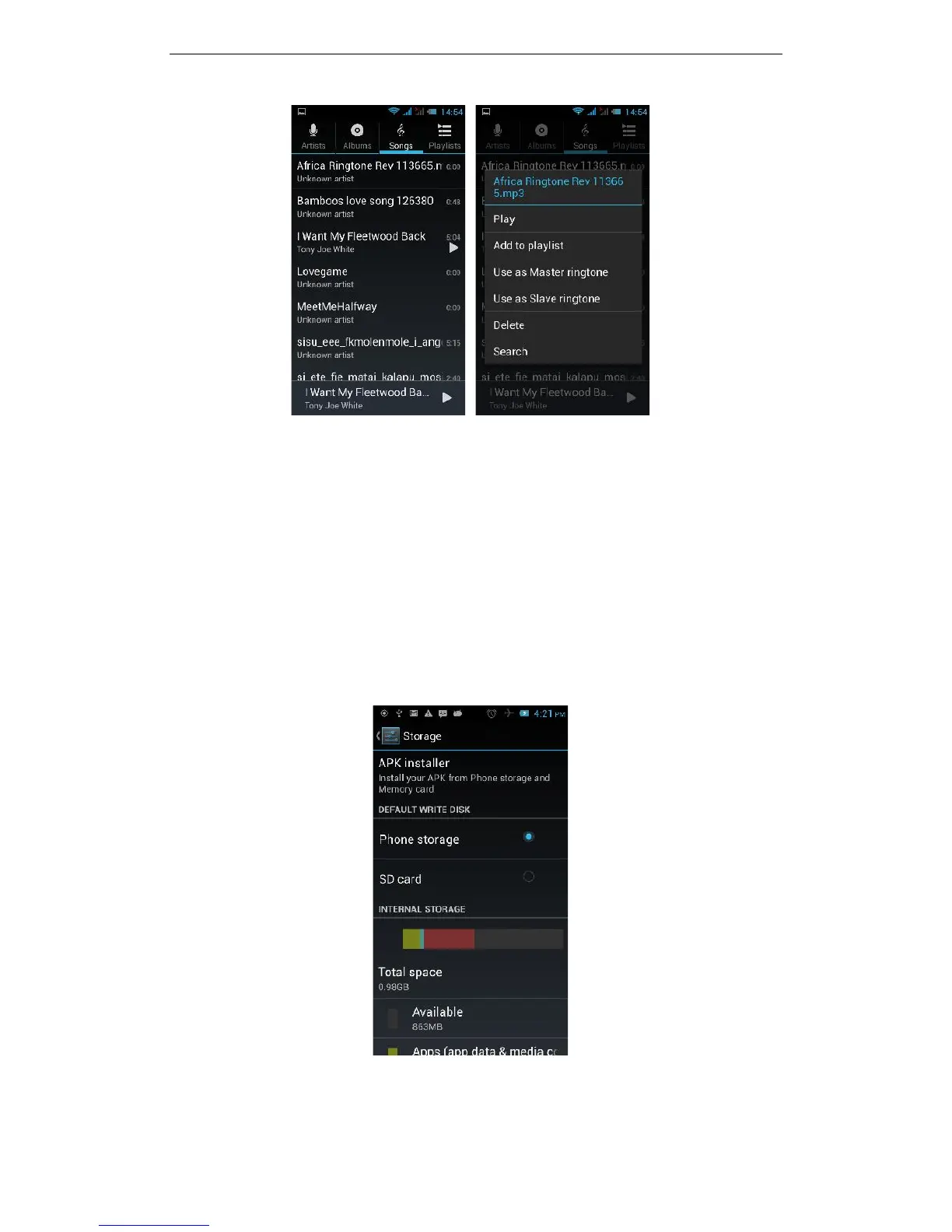
Find the song you would like to assign as the phone’s Master Ringtone. Touch and
hold the song, and you will be presented with a list of options. Touch the ‘Use as
Master ringtone’ option. You have successfully set your favourite MP3 song as the
Master Phone ringtone for your phone.
3.11.7 Display
Open Display settings to personalise your phone. You can set the screen brightness,
scene, wallpaper, themes and automatically rotate the screen, etc.
3.11.8 Storage
You can view the phone and SD card total storage capacity, free space, and you can
choose the preferred installation location and format the phone memory.



 To Next Page