12
3.6Dialing
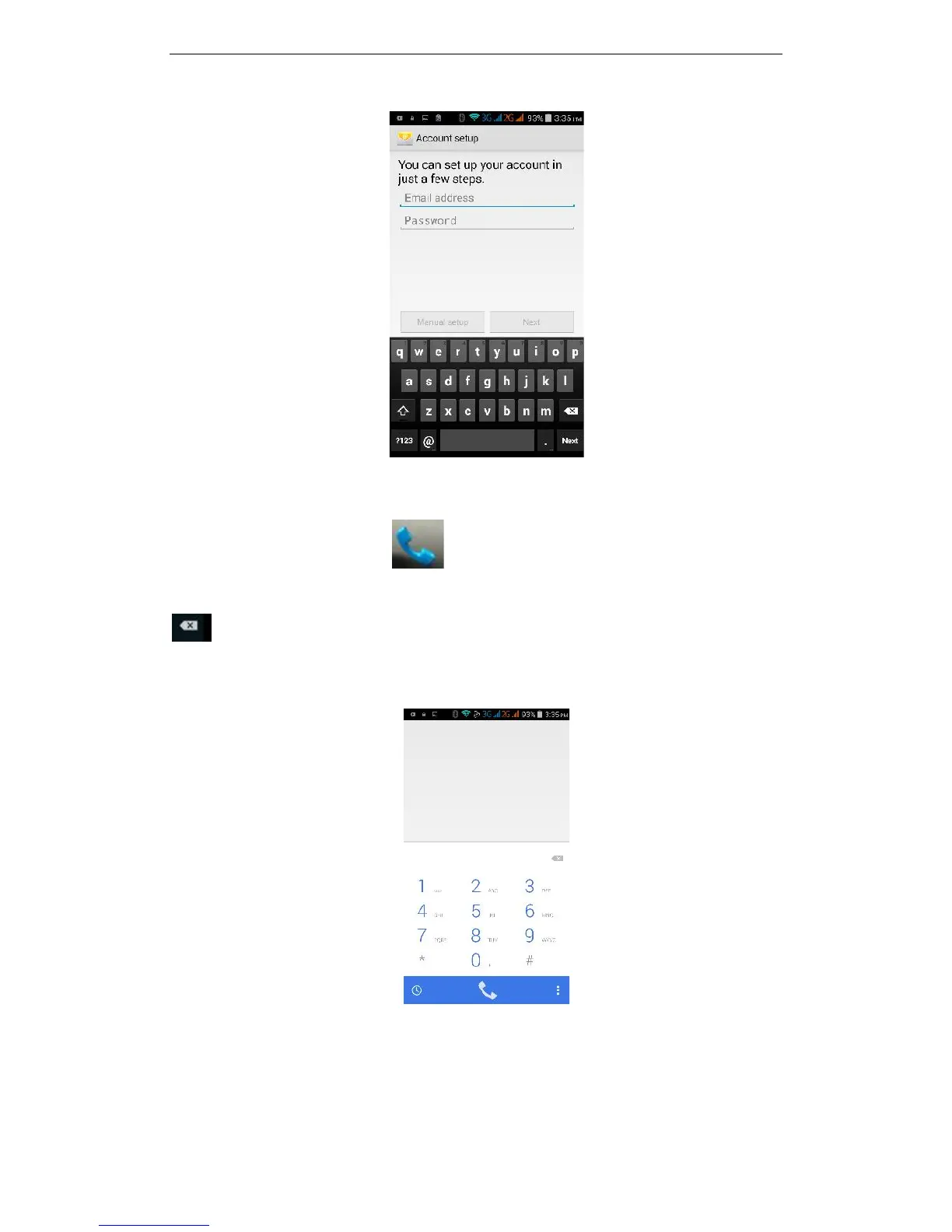
In the standby interface click to go to the dialing interface, click the numbers
on the screen to dial the number. If you need to change the phone number, please click
back to delete characters, then dial the number. Press the Menu key to pop-up
menu options. You can choose to send SMS, Add to Contacts or see the Settings, etc.
Enter the call log to view missed, received, outgoing records. Click to view a recording
time of the call, make a call, send text messages, add to contacts and other functions, can
be cleared under the Options menu item call records, set up speed dialing.



 To Next Page