31
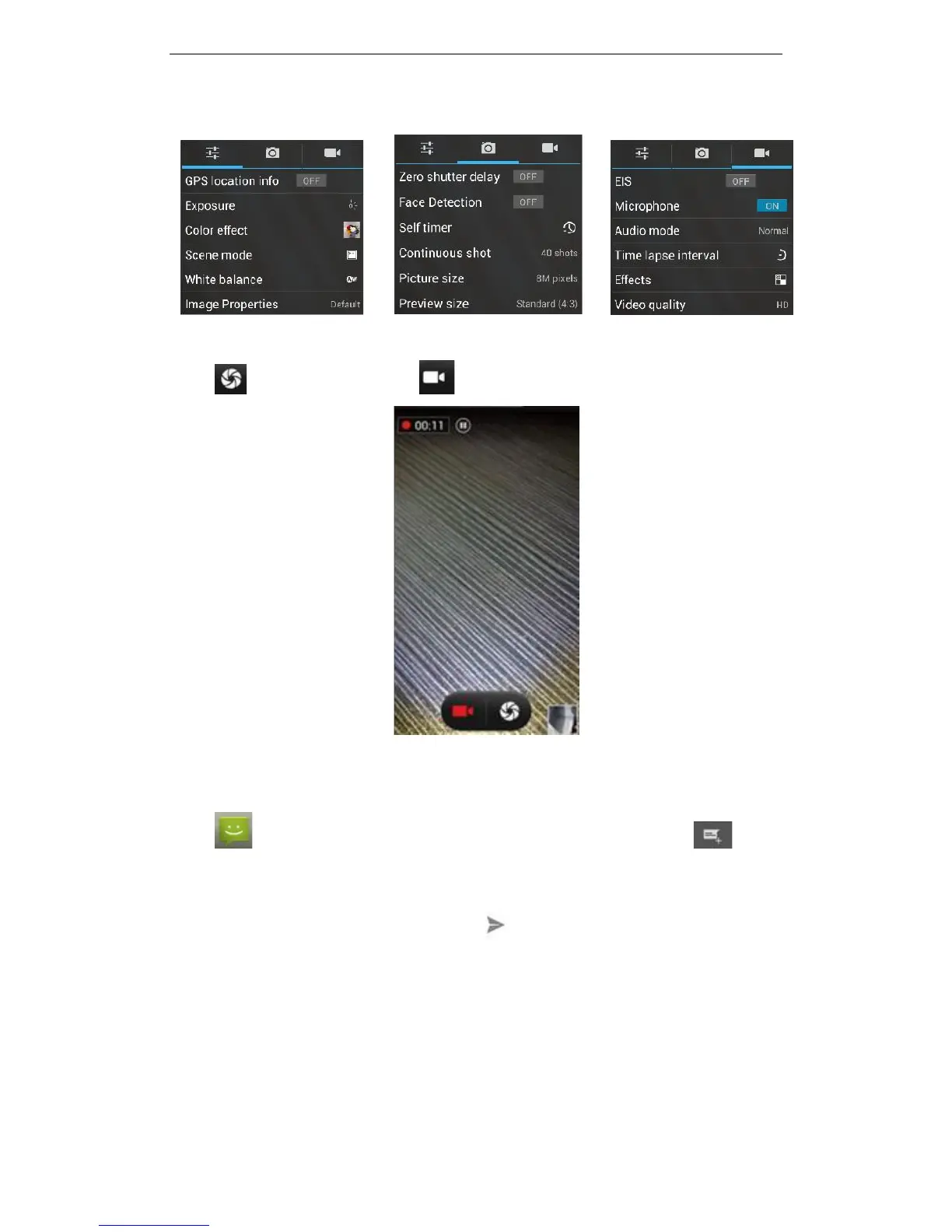
for camera exposure, effects, shooting and other settings. As shown:
Click to take a picture, click to convert to video interface, as shown:
3.19 Message
Click on the home screen to enter the message interface. Click to enter
the write message interface. In the "input names and numbers" area, input the number,
or click on the contact icon to select a number from your contacts. Type your message
in the “Type text message” section. Touch to send a message after completion.



 To Next Page