16
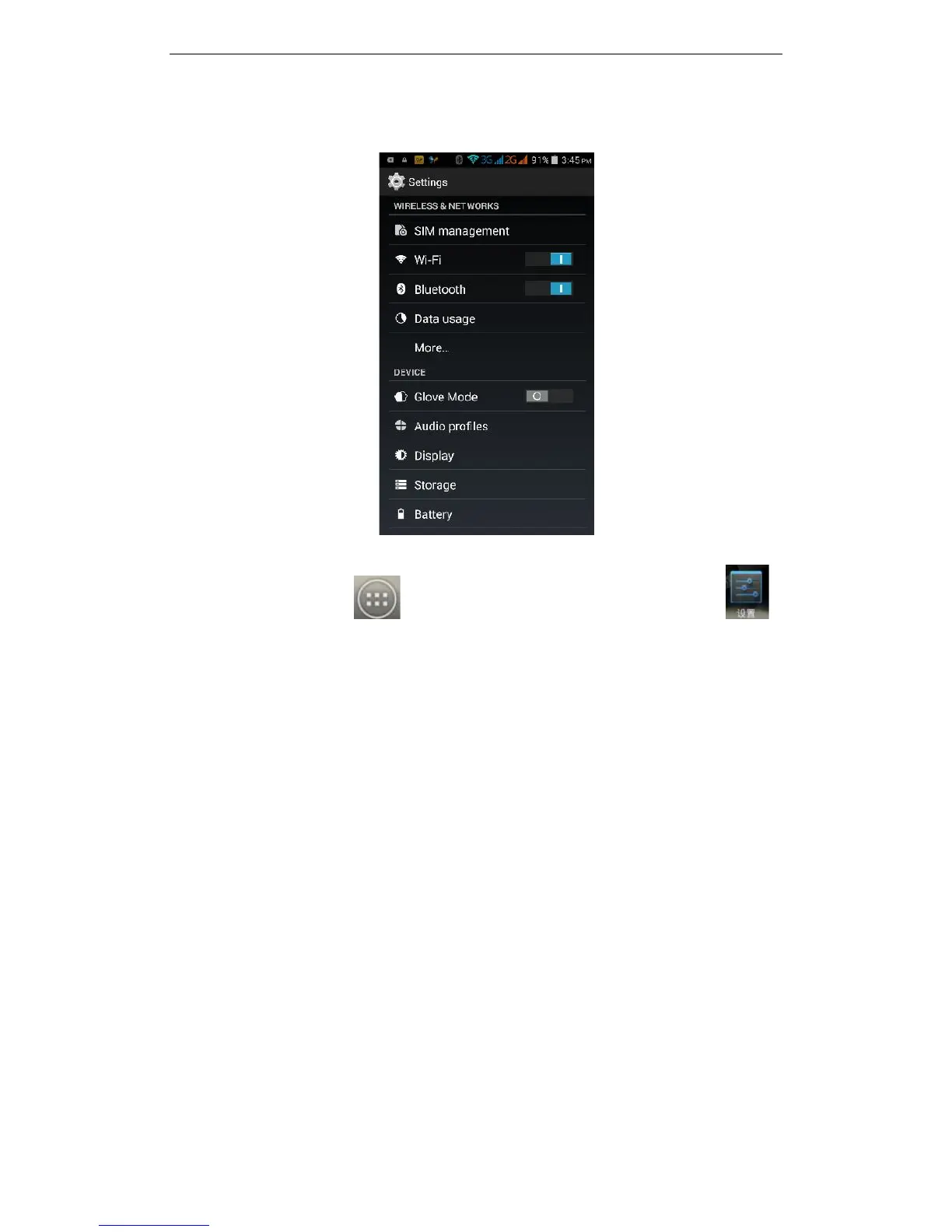
3.11 Settings
On the main screen, tap to see installed applications, and then click
to enter the settings, you can adjust the settings according to your need to
personalise your mobile phone.
3.11.1 SIM Management
Set the SIM card for voice calls, video calls, messages, data connections and other
settings.
3.11.2 Wi-Fi
Click WI-FI to enter the WI-FI interface, slide the "Open" icon on the top right of the
screen, your phone will automatically search for wireless networks within range.



 To Next Page