17
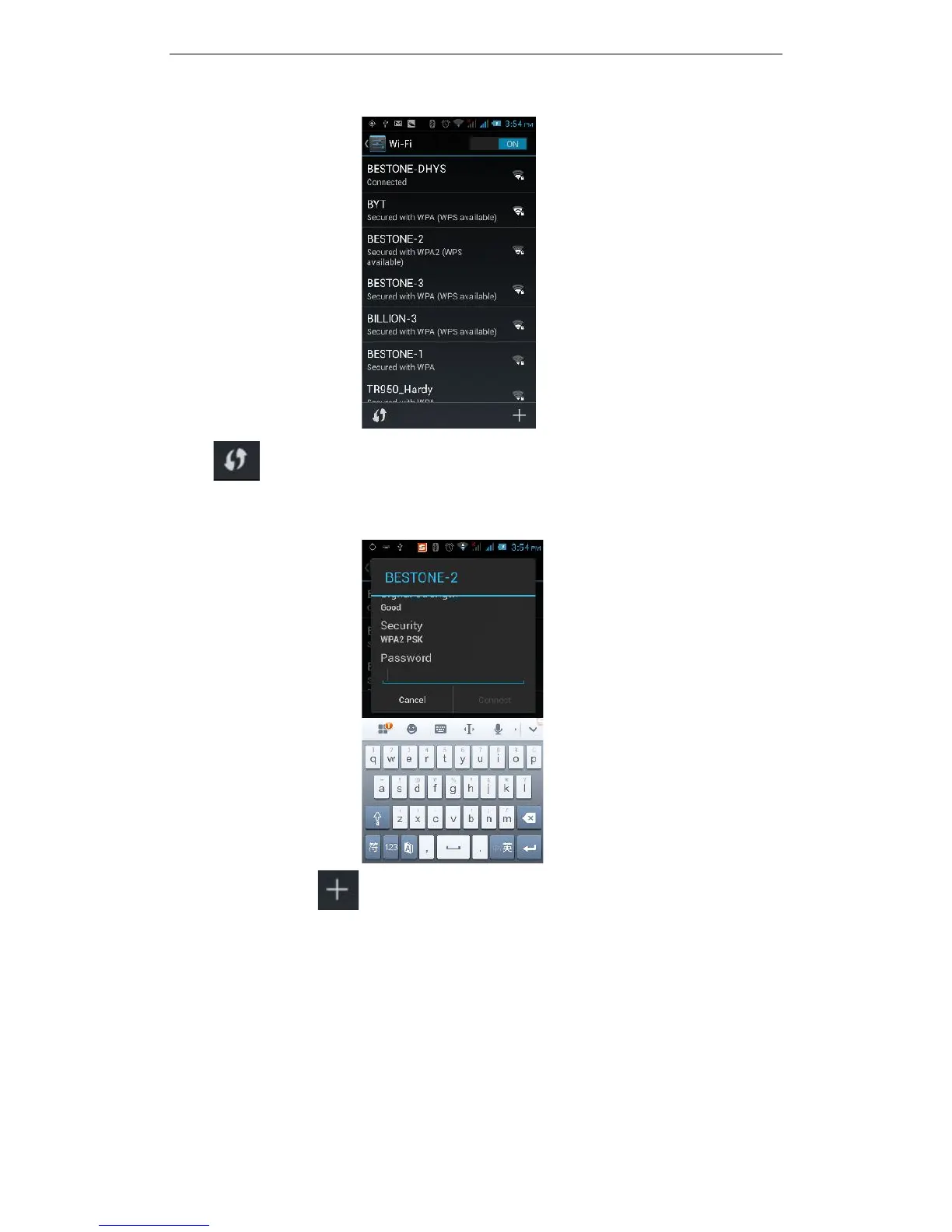
Click to refresh the network list, if your phone finds a wireless network, you
can click on the wireless network name, enter the password in the input area, and
then click "Connect", when the connection is completed it will show "Connected”.
You can also click on the screen in the lower right corner, and add a
network:



 To Next Page