26
3.14 Google Search
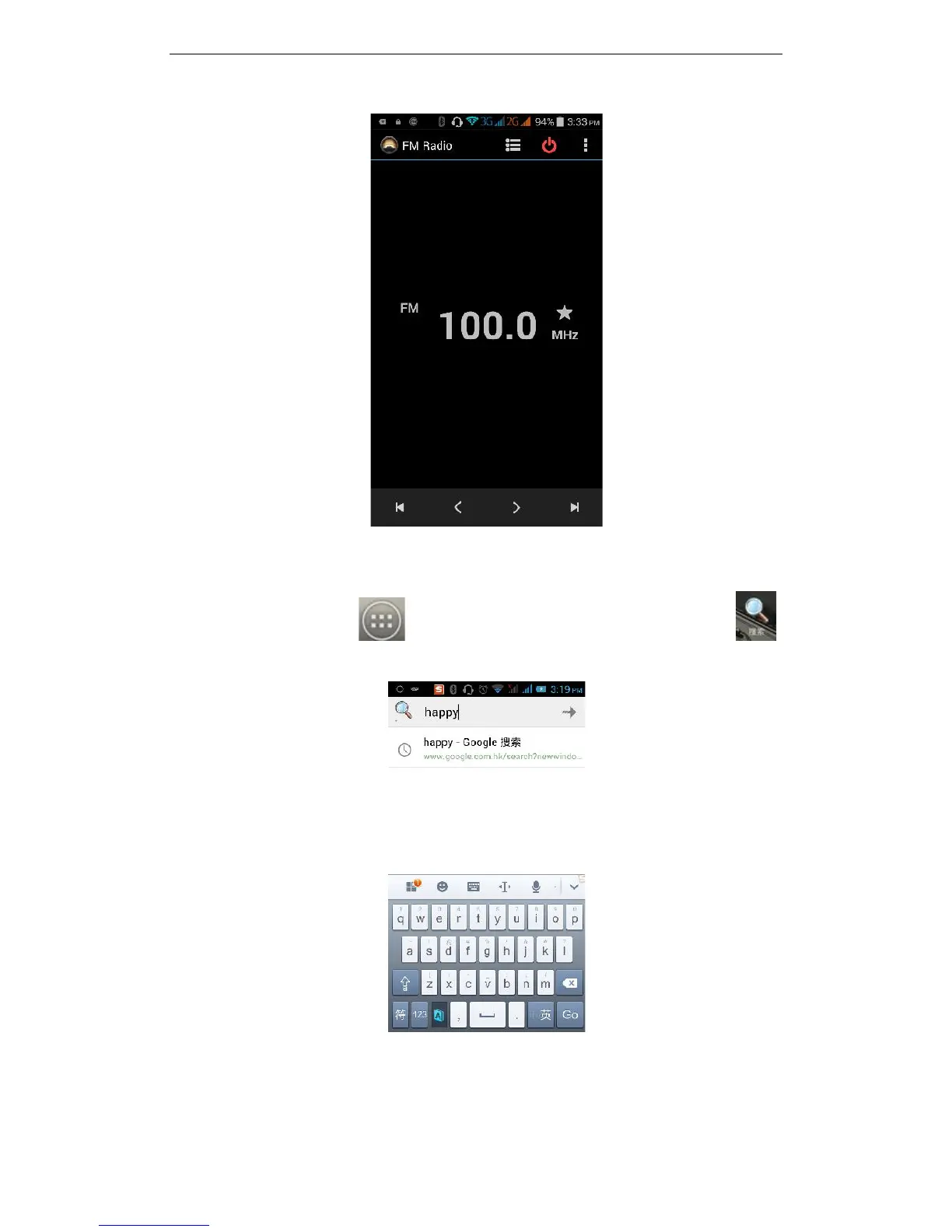
On the main screen, tap to see installed applications, and then click to
enter the search interface:
Enter the content you want to search, then click the Search key, select the type of
search you want, such as web pages, contacts, etc:



 To Next Page