HOME SERVER TS mini 45
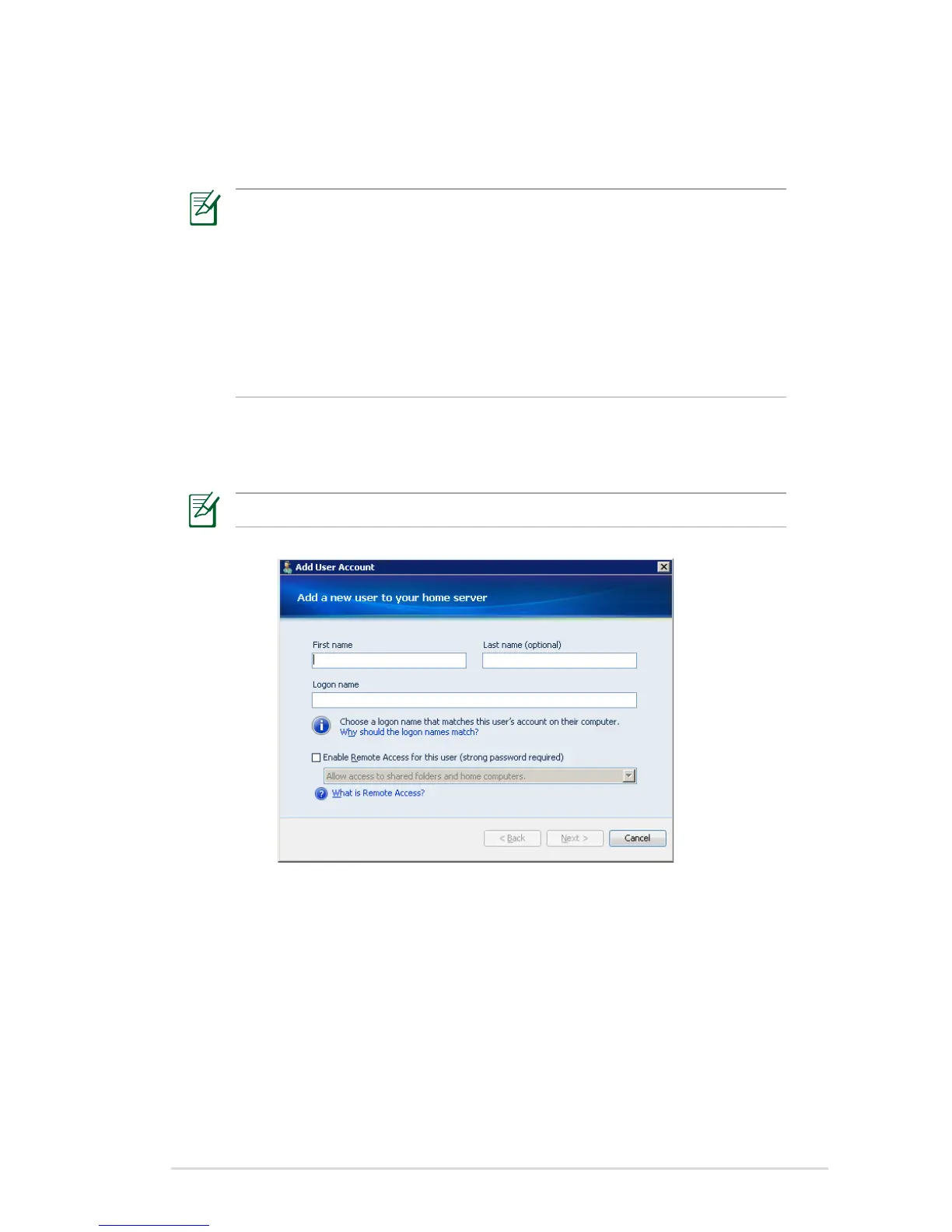
5. On the User Accounts tab, click Add.
6. Enter the user’s name.
When you create user accounts on Windows Home Server, use
logon names that match the logon names of your existing user
accounts on your home computers. Also, use the same password
that you use for your existing user accounts. This makes it easier
to access shared folders on Windows Home Server. If the user
accounts and passwords do not match, you will be prompted for a
user name and a password when you open Windows Home Server
shared folders.
7. Click the “Enable Remote Access for this user” check box if you
allows the user to connect to your server through the Internet .
Click Next.
A strong password is required if Remote Access is enabled.












 To Next Page