46 HOME SERVER TS mini
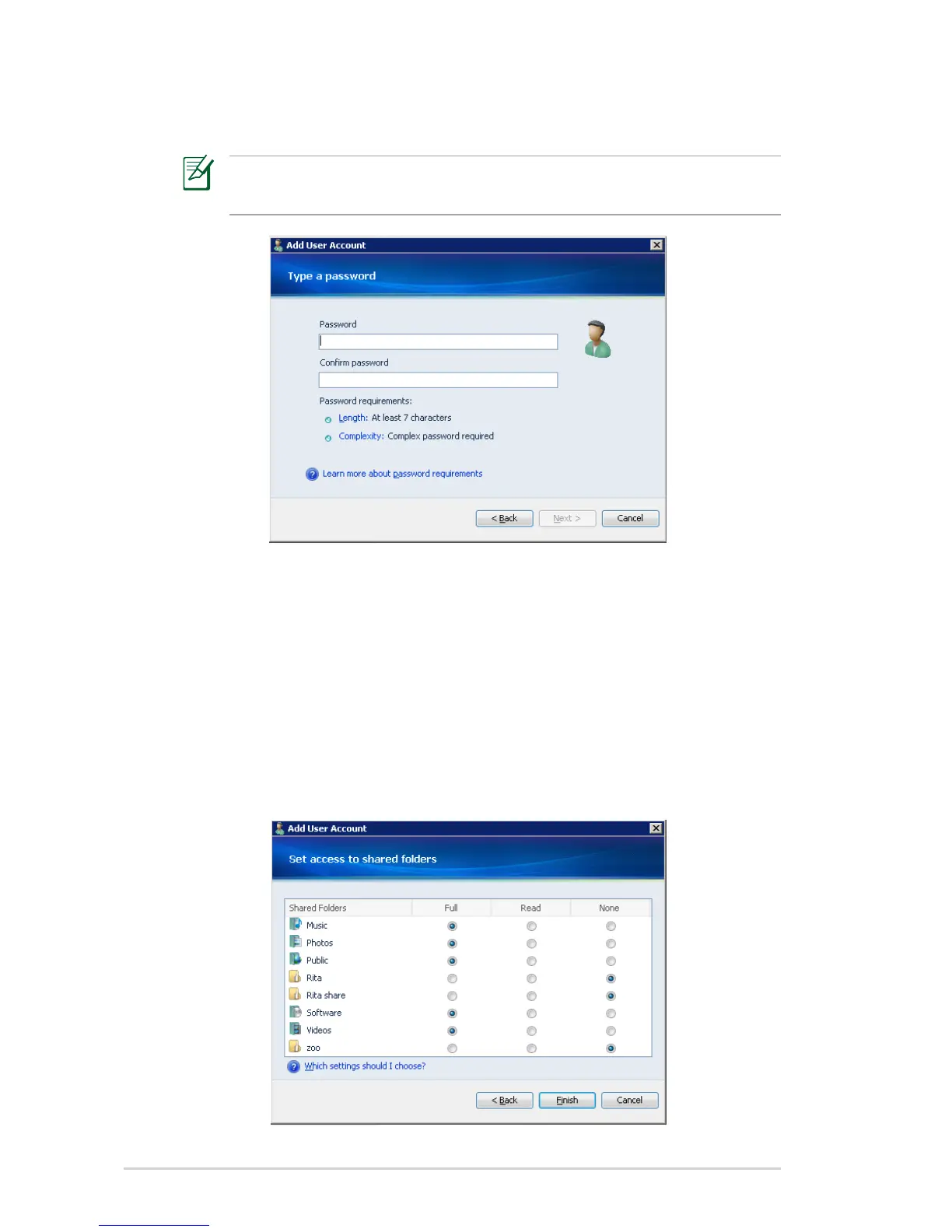
8. Enter the password and enter again to confirm it. Click Next.
The password length and complexity adhere to the minimum
settings defined by the password policy you have chosen.
9. Set the user’s access rights to existing shared folders on the
home server.
• Full – the user can create, change, and delete any files in the
shared folder.
• Read – the user can only read the files in the shared folder.
• None – the user cannot read, create, change, and delete files
in the shared folder.
10. Click Finish.












 To Next Page