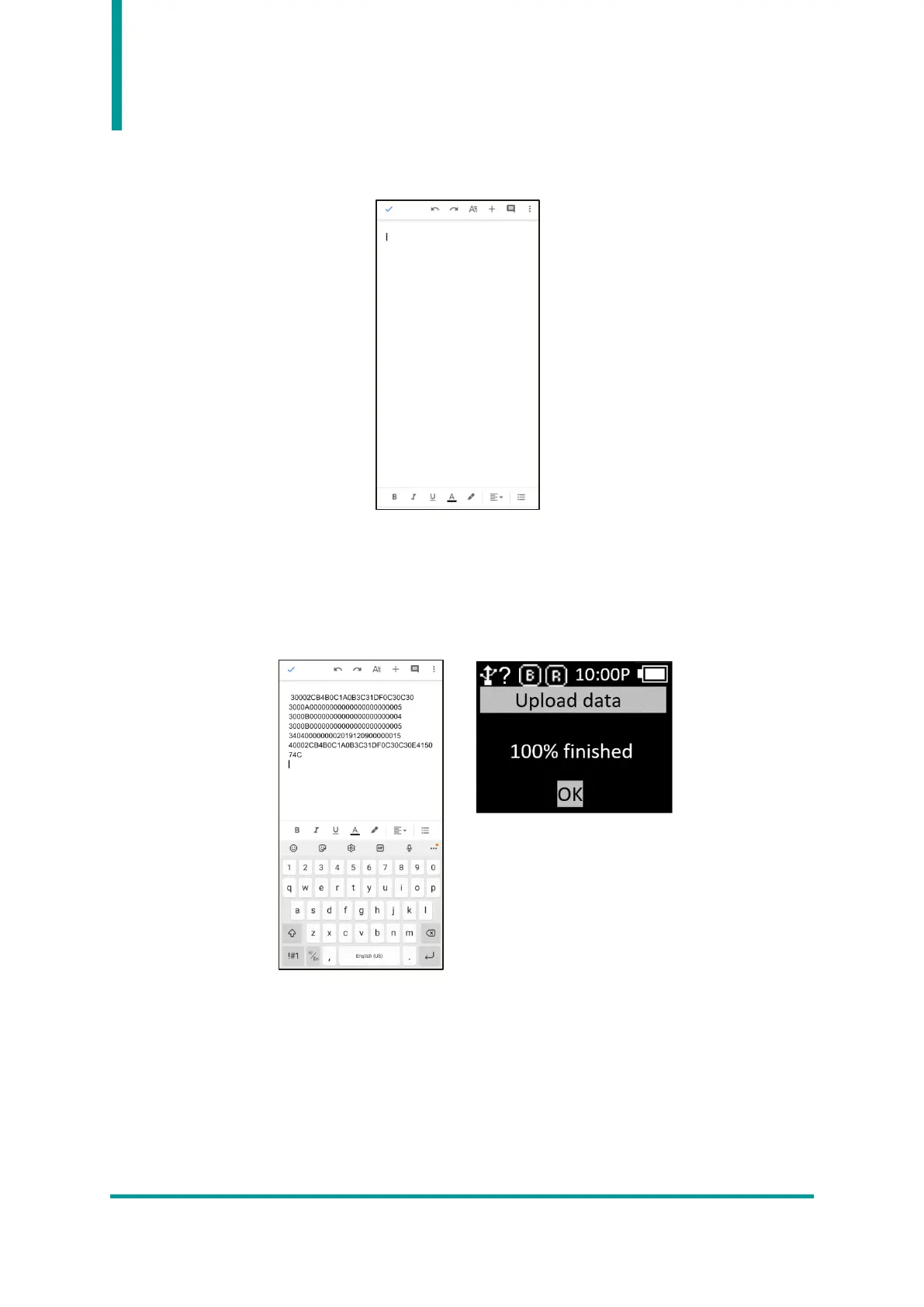
- Place the cursor on the App that user wants to transfer the stored data.
- Enter ‘Yes’ in the ‘Upload data continue?’ message of the device.
- As transmission % is displayed on the device screen, the data stored in the Host is
transmitted. When transmission is complete, the message ‘100% finished’ is displayed on
the device.
- If input ‘OK’ after the transmission is complete, the connection with the host is
disconnected and return to the ‘Scan Setting Mode’ menu.
2) Example #2 : Data transmission method when setting ‘Batch-USB’ , Windows Host, ‘USB-
VCP’.
- Reading Barcode or RFID Tags under batch processing mode. The read data is displayed
on the AT388 screen.



 To Next Page