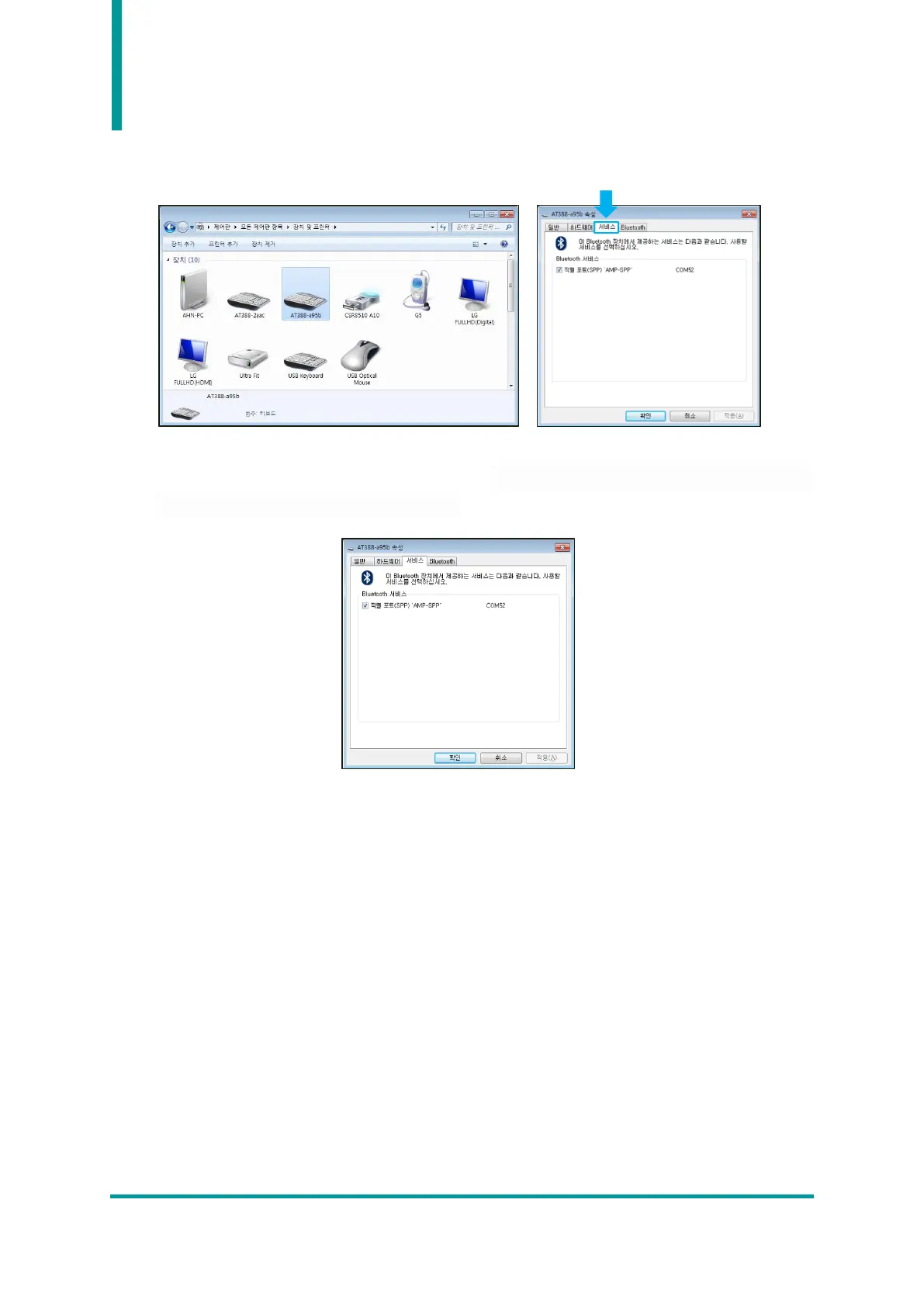
6) Double-click the newly added ‘AT388-XXXX’ in ‘Control Panel → Devices and Printers’ to display
its properties, and then move to the ‘Service’ tab.
7) After checking all the services that appear in the Bluetooth service, click the OK button to finish
adding services and adding Bluetooth devices. From this menu, user can find the COM port
information assigned to the Bluetooth device.
8) After that, exit the AT388 setup menu and set it to the desired operation mode before using it.



 To Next Page