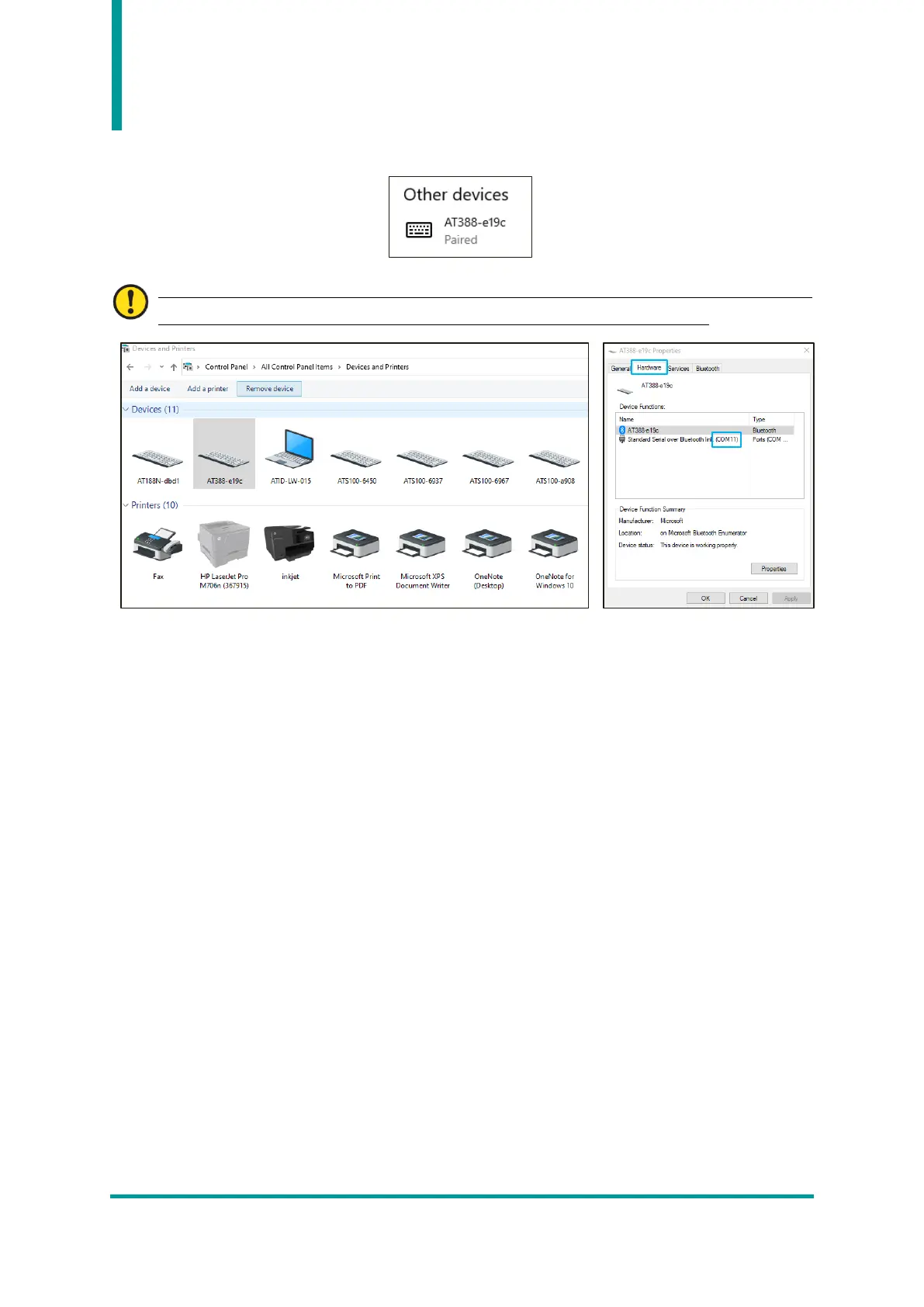
9) When the device is added successfully, the device will be registered with the message ‘Paired’.
The COM Port information assigned to the device can be checked in the ‘Hardware’ tab of the
‘Properties’ of the connected device in ‘Devices and Printers’ of the control panel.
10) After confirming that the AT388 and the host device are connected, exit the Device Setting Menu
and set the desired operation mode before use.



 To Next Page