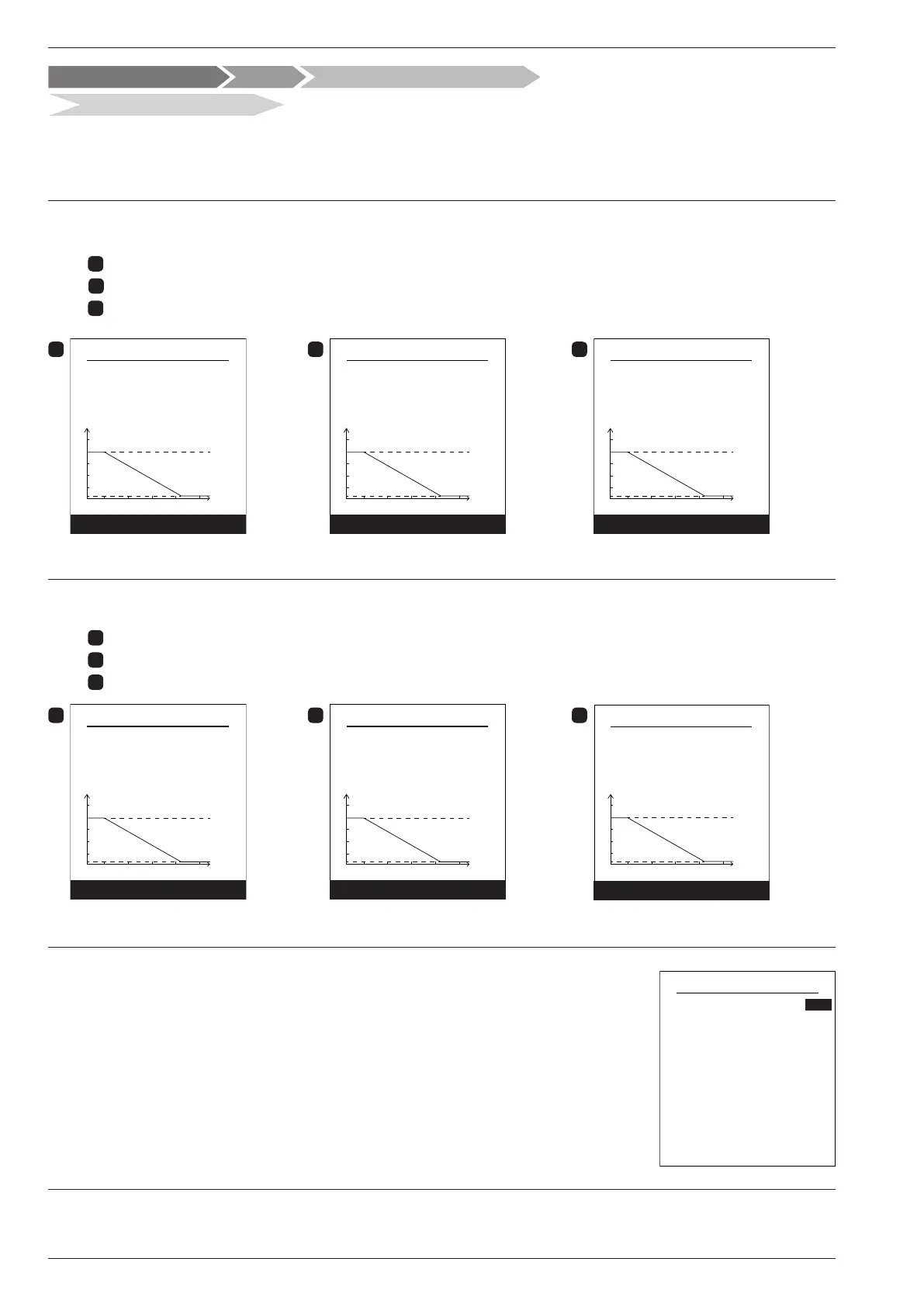
" Choose the temperature control to adjust: "Heating".
" Two methods for adjusting the temperature control are available: ow temperature or gradient control.
● Control using ow temperature
1
- Set "Room T° inuence" then select "Advanced settings".
2
- Set "Display" to "ow T°". Set "ow T° to -10°C" and "ow T° to +20°C".
3
- Set "Max ow T°" and "Min ow T°".
1
Area 1 Heating
Room T° inuence
Outd. T°
20-10
65
40%
ow T°
Advanced settings
15
ow T° at -10°C 47°C
2
Display
ow T°
ow T° at -10°C
ow T° at +20°C
47°C
22°C
Area 1 Heating
Outd. T°20-10
15
65
ow T°
Next
3
Max ow T°
Min ow T°
Outd. T°
20
-10
15
65
55°C
17°C
ow T°
Complete
Area 1 Heating
● Control using gradient
1
- Set "Room T° inuence" then select "Advanced settings".
2
- Set "Display" to "Slope". Set "ow T° to -10°C" and "ow T° to +20°C".
3
- Set "Max ow T°" and "Min ow T°".
1
Area 1 Heating
Room T° inuence
Outd. T°
20-10
65
40%
ow T°
Advanced settings
15
ow T° at -10°C 47°C
2
Display
Gradient
Gradient
Off-set
1
0°C
Area 1 Heating
Outd. T°20-10
15
65
ow T°
Next
3
Max ow T°
Min ow T°
Outd. T°20-10
15
65
55°C
17°C
ow T°
Complete
Area 1 Heating
● Use 100% ambient temperature
If set to use 100%, adjust the radiator type.
Room T° inuence
Emitters type
100%
Radiator
Area 1 Heating
Max ow T°
Min ow T°
55°C
17°C
Some settings (or menus) might not be displayed. They are dependent on the installation's conguration (and installed options).
Control / Temperature control
Temperature control
Hydraulic conguration Area 1
Installation and Operating Manual "1821- EN"
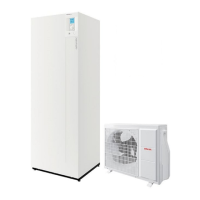
Alféa Extensa Duo A.I. Heat Pump
- 52 -




 To Next Page