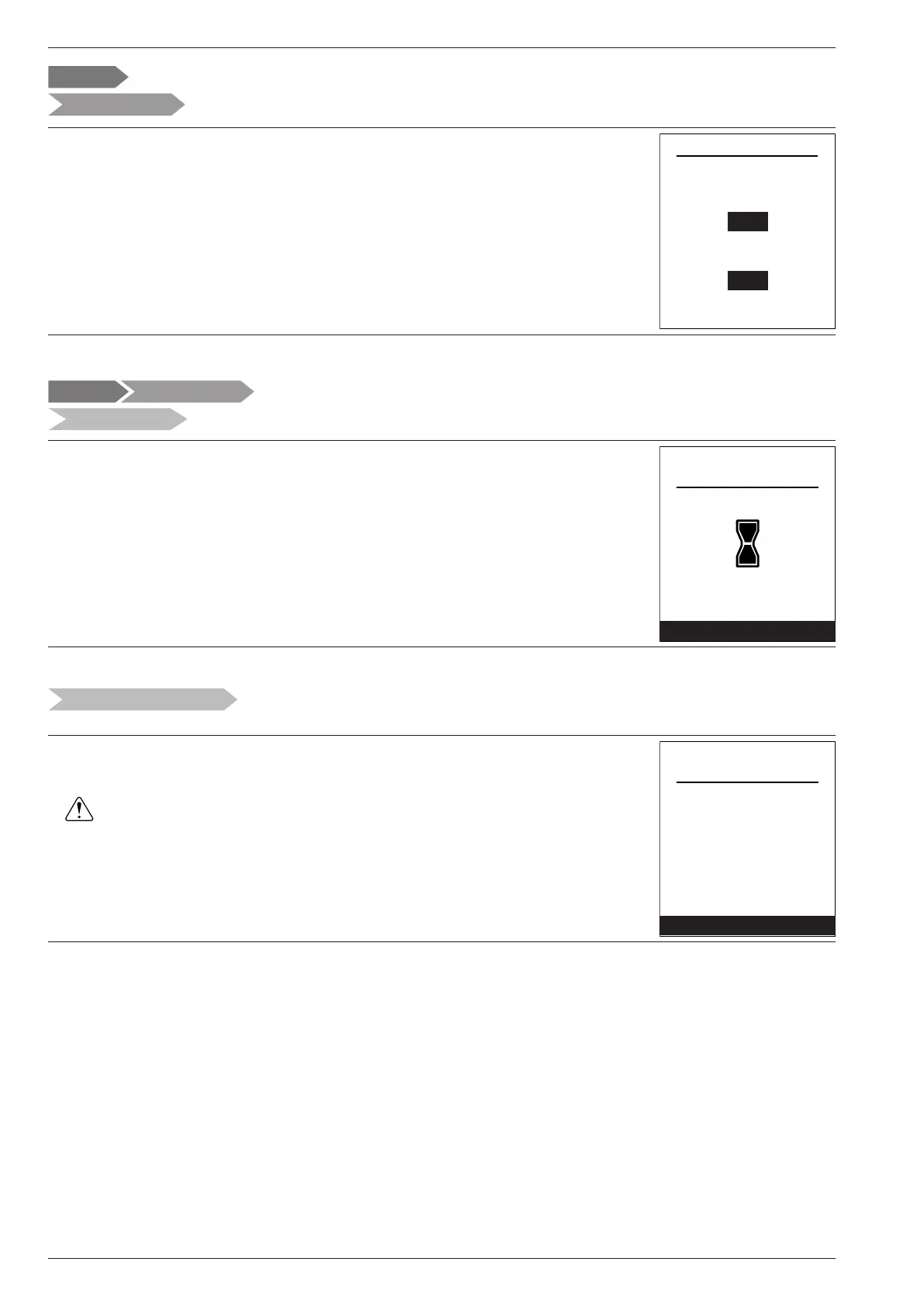
You can customise the zone names from the menu:
"Settings" > "Areas name".
Available names: "Area 1" / "Area 2" / "Day area" / "Night area" / "1st oor" / "Lounge"
/ "G. oor" / "Bedroom" / "Floor" / "Radiator".
Settings
Circuits name
Rename Zone 1 in
Rename Zone 2 in
Day
Night
To connect a room sensor, go to the menu:
"Settings" > "Connectivities" > "Connection".
The appliance waits for pairing for 10 minutes.
" See the room sensor's installation instructions.
" The "Connection" menu is no longer accessible if a sensor has already
paired.
Connection
Quit
Settings
Connectivities
All pairings are re-initialised annually.
Select "Re-set" in the menu:
"Settings" > "Connections" > "Re-set Connections".
Reset connectivities
Reset
Quit
Warning! The equipment will be
removed from the system.
Settings
Connections
Some settings (or menus) might not be displayed. They are dependent on the installation's conguration (and installed options).
Areas name
Settings
Connectivities
Connection
Reset connections
Settings
Installation and Operating Manual "1821- EN"
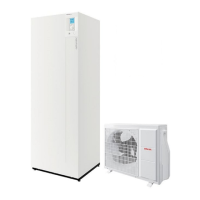
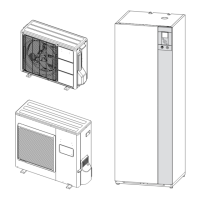
Alféa Extensa Duo A.I. Heat Pump
- 64 -




 To Next Page