88
30
MXiR Receiver
○○○ ○○○○○○○○○○○○○○○○○○○○○
Setting up the MXiR
To set up the MX
iR
in conjunction with a HX
iR
or TX Blue
transmitter:
• Fit the battery, or connect the unit to external power.
• Connect the antenna.
• Connect the audio output cable.
• Switch on.
• Set the transmitter and receiver to the same
operating frequency.
• Set the output level.
• Check the power status.
• Check that the no signal indicator is not illuminated,
and that the low battery indicator is not illuminated
red or green.
These steps are explained below:
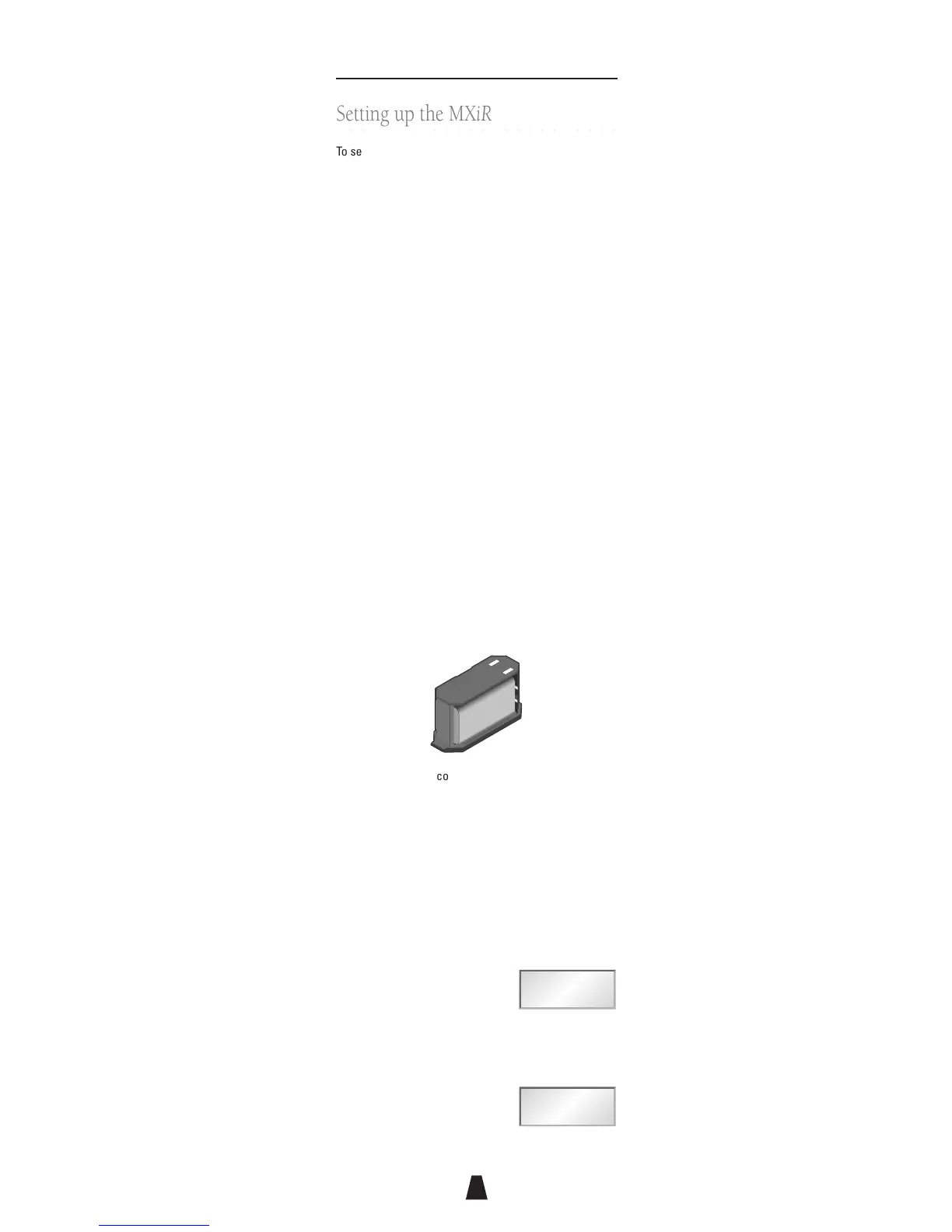
Fitting the battery
To open the battery compartment, press the release
buttons at each end of the base of the unit and slide
open the base. Insert a 9V 6LR61 type alkaline battery,
taking care to observe the polarity printed on the base
of the battery compartment:
+
_
+
_
Replace the battery compartment, taking care to align it
so that the contacts are aligned with the terminals
inside the receiver, and press it into place until the
release buttons click locked.
Selecting the frequency
To check the MX
iR
frequency:
• Press MENU.
The display shows:
• Align the front of the Switch
iR
with the infra-red
window on the receiver and press OK.
The Switch
iR
will display the
receiver frequency; for example:



 To Next Page